



USB-C has become the modern standard for fast charging and data transfer. Compared to older USB-A or USB-B connectors, it’s smaller, faster, and far more versatile. But not all USB-C cables are created equal. Many users have encountered cables that don’t work properly—or worse, that damage their devices.
In this article, we’ll explain the most common reasons USB-C cables fail and share practical tips to help you avoid these problems.
1. The Hidden Problem: Lack of Standardization
Unlike older USB versions, USB-C isn’t just a new connector—it’s an entire communication system. A single USB-C cable can handle power delivery, data transfer, video output, and even audio input. However, not all manufacturers follow the strict standards set by the USB Implementers Forum (USB-IF).
This lack of consistency means that one USB-C cable may work perfectly with your laptop, but fail to charge your smartphone or transfer data from your camera.
👉 Tip: Always look for certified USB-C cables that comply with USB-IF standards.
2. Poor Build Quality: Physical Damage and Cheap Materials
One of the most common causes of cable failure is simple wear and tear. Constant bending, twisting, or yanking can break the internal wires, leading to unstable connections or total failure.
Signs of cable damage include:
-
Frayed or exposed wires
-
Loose or bent connectors
-
Intermittent charging or data loss
If you notice any of these symptoms, replace the cable immediately.
👉 Tip: Choose a reinforced or braided USB-C charging cable for longer durability.
3. Compatibility Confusion: Different USB Standards
The USB-C connector can support several different protocols—USB 2.0, 3.0, 3.1, 3.2, and USB 4. Each standard offers different speeds and capabilities:
| Standard | Max Data Speed |
|---|---|
| USB 2.0 | 480 Mbps |
| USB 3.0 | 5 Gbps |
| USB 3.1 | 10 Gbps |
| USB 3.2 | 20 Gbps |
| USB 4 / Thunderbolt 4 | 40 Gbps |
Using the wrong type of cable can cause slow charging, data transfer errors, or complete incompatibility. For example, a USB 2.0 cable may charge your phone but won’t support 4K video output from your laptop.
👉 Tip: Check both your device and cable specs before buying—don’t assume all USB-C cables are the same.
4. Power Delivery Mismatch
One of USB-C’s biggest advantages is its Power Delivery (PD) capability. It can deliver up to 240W of power—but only if the cable supports it.
Some low-quality cables can’t handle high wattage and may cause overheating or slow charging. Others might fail to deliver enough current to charge large devices like laptops or tablets.
👉 Tip: Look for cables rated for 100W or 240W PD if you’re charging high-power devices.
5. Faulty Ports: It’s Not Always the Cable
Sometimes, the problem isn’t the cable—it’s your USB-C port. Dust, debris, or physical damage inside the port can cause poor contact. In other cases, the port itself may be electrically damaged.
👉 Tip: Try your cable on another device. If it works elsewhere, your port may need cleaning or professional repair.
6. Software and Firmware Issues
Modern devices rely on firmware to manage power and data transfer. Outdated software can lead to connection problems, especially on laptops, smartphones, or USB hubs.
👉 Tip: Always keep your device firmware and drivers up to date. Manufacturers often release patches that improve USB-C stability and compatibility.
7. Troubleshooting: How to Restore a Non-Working Cable
Before throwing your cable away, try these quick fixes:
-
✅ Inspect for visible damage or loose connectors
-
🔄 Test with another device or USB-C port
-
🧼 Clean the connector with a soft brush or compressed air
-
💻 Update your device software and USB drivers
-
🔌 Try another cable to confirm the problem
Recommended: RINECOPO USB-C to USB-C Cable (6′7″, 100W Fast Charge)

Experience the next level of charging performance with the RINECOPO USB-C to USB-C Cable — built for power, precision, and everyday convenience.
⚡ 100W Fast Charging Power
Delivers blazing-fast charging for laptops, tablets, and smartphones — get more energy in less time.
💡 Smart LED Power Indicator
Know your charging status at a glance with the intuitive LED display that shows real-time power flow.
🧵 Upgraded Braided Design
Enhanced durability with a smooth, tangle-free texture that feels premium yet pocket-friendly.
🌿 Built to Last, Made for Sustainability
Engineered with long-lasting materials to reduce waste — making eco-friendly charging simple and reliable.
Choose RINECOPO for smarter, faster, and greener USB-C charging — anytime, anywhere.
Conclusion: Invest Smart, Charge Safe
Understanding why USB-C cables fail helps you make smarter, safer choices. Always choose high-quality cables, check for official certification, and make sure the specs match your devices’ needs.
A reliable USB-C cable isn’t just an accessory—it’s the lifeline of your digital world.
Recent Posts
Blog Tags

RINECOPO 25000mAh Laptop Power Bank 170W,Build-In cables
- 25,000mAh High Capacity
- Up to 170W Total Output
- Dual Built-in 100W USB-C Cables
- Three 100W USB-C Ports
- Charge Up to Five Devices
- Smart HD Digital Display
Best for laptop charging, long flights, business travel, school, remote work, and multi-device users.
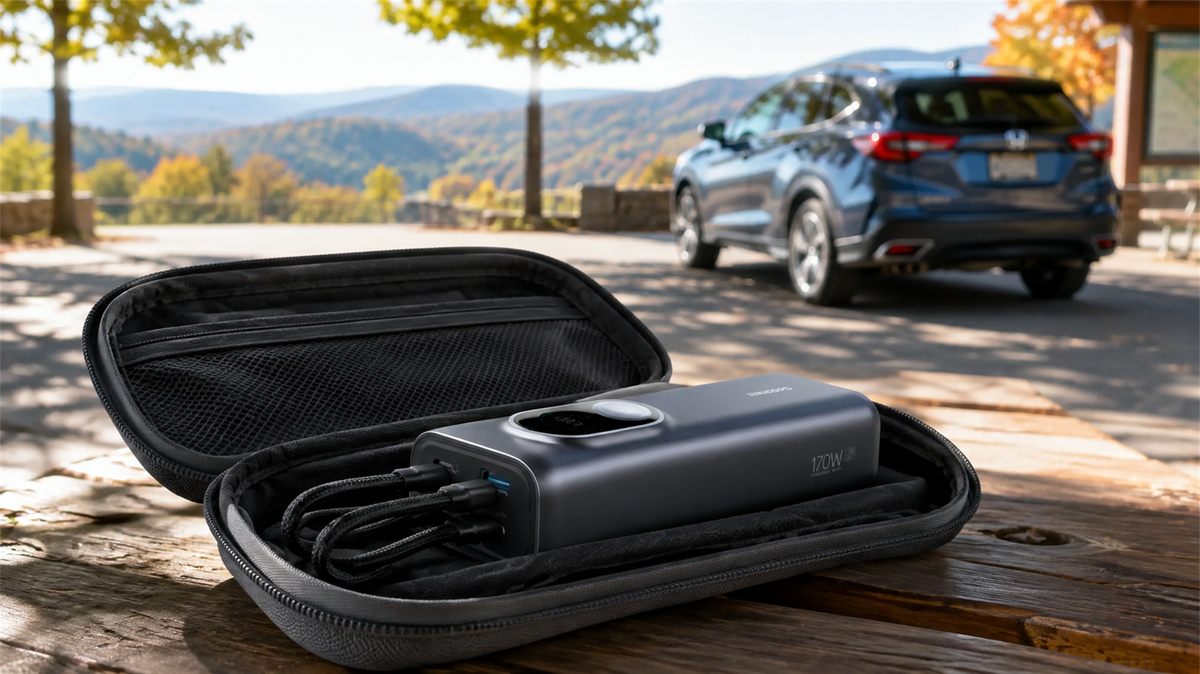
Can You Leave a Power Bank in a Car? Heat, Cold and Safe Storage
Learn why a parked car is a poor place to store a power bank and how to manage heat, cold, cables, inspections and safer road-trip storage.
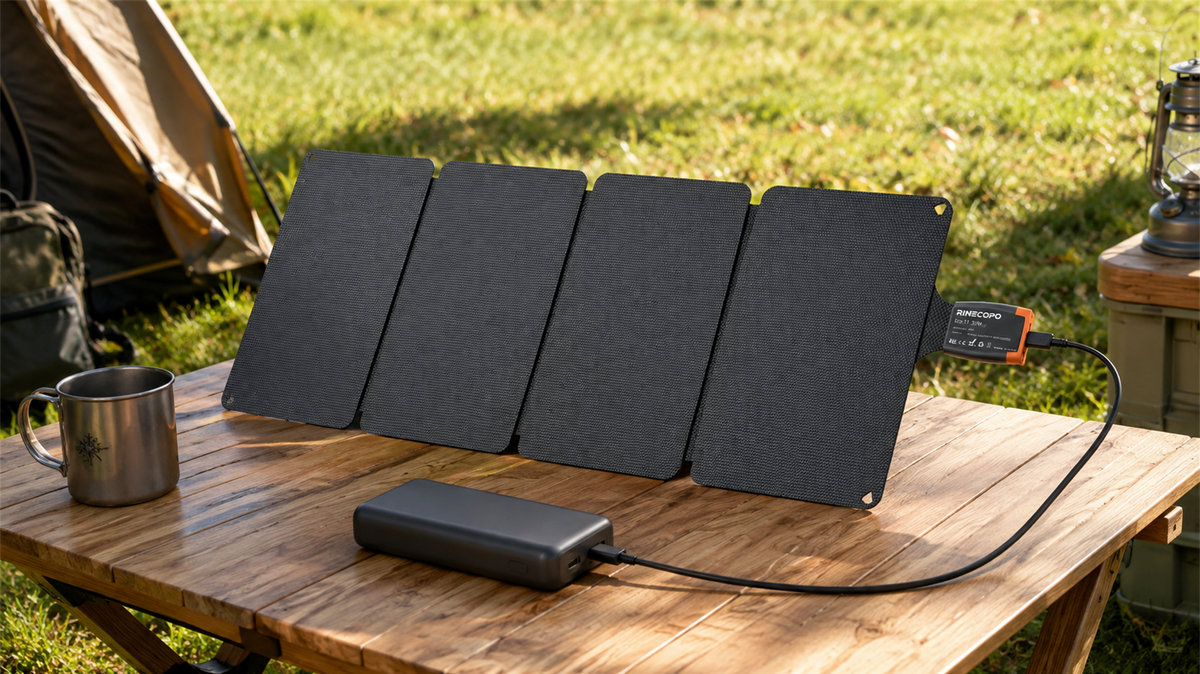
Can a 36W Solar Panel Charge a Power Bank? Compatibility, Cables and Time Estimates
Learn when a 36W solar panel can charge a power bank, how to verify USB-C compatibility, estimate time with watt-hours, and avoid unstable outdoor setups.
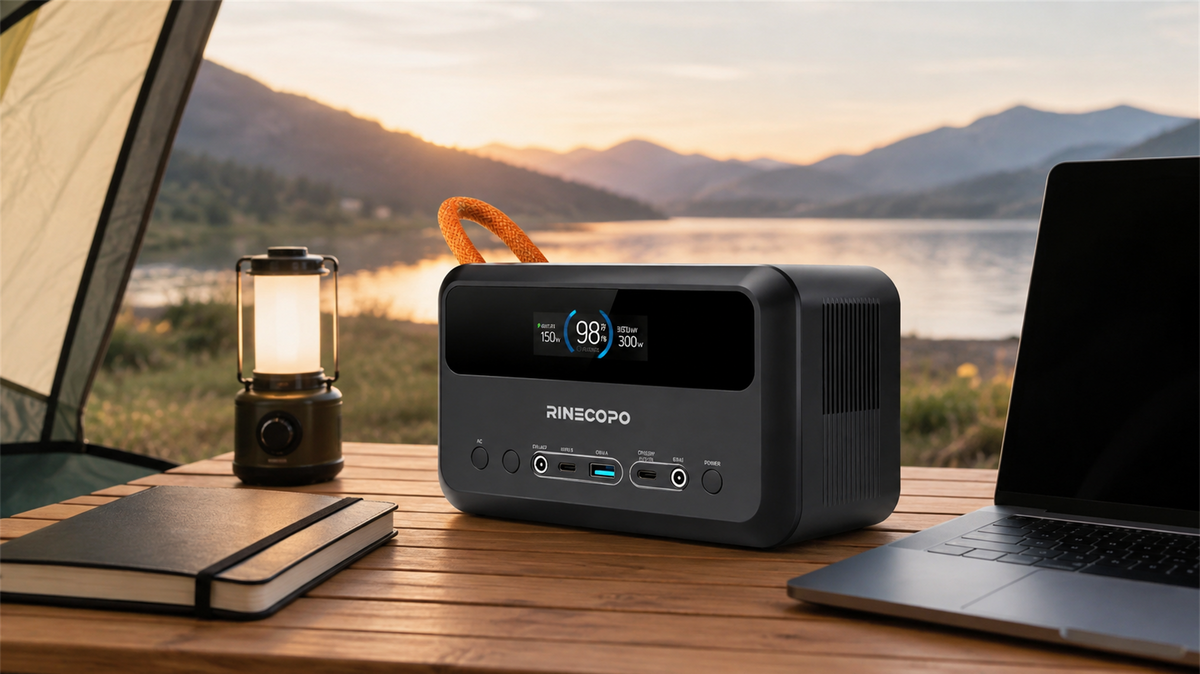
What Can a 192Wh Portable Power Station Run? A Practical Watt-Hour Planning Guide
Estimate how long a 192Wh portable power station may run different loads using a transparent watt-hour formula, realistic efficiency ranges, and practical solar planning guidance.