


A 192Wh portable power station can be a useful middle ground between a small power bank and a larger home-backup battery—but the number on the label does not tell you exactly how long every device will run. Runtime depends on the device’s wattage, the output method, conversion losses, temperature, and whether the load cycles on and off.
This guide shows a practical way to estimate runtime before a trip or outage. The examples are calculations, not laboratory test results, so use them as a planning range rather than a promise.

Quick answer: what can a 192Wh portable power station run?
A 192Wh unit is best suited to relatively low-power electronics: LED lighting, communication equipment, camera batteries, phones, tablets, and compatible USB-C laptops. It may also support some small AC devices, provided both their normal running wattage and startup surge stay within the power station’s output limit.
The RINECOPO 192Wh Portable Power Station is listed with up to 300W output and 100W bidirectional USB-C Power Delivery. That does not mean every device under 300W will behave the same. A heating appliance, motor, compressor, or pump can demand a brief startup surge that is higher than its printed running wattage.
Wh and W measure different things
Watt-hours (Wh) describe stored energy. Watts (W) describe how quickly a device uses energy. A 192Wh battery theoretically contains enough energy to supply a 20W load for 9.6 hours:
192Wh ÷ 20W = 9.6 hours
Real systems are not 100% efficient. Some energy is used by voltage conversion, the inverter, control electronics, and the power station itself. For early planning, this article uses a broad 75%–85% usable-energy assumption:
Estimated runtime = 192Wh × 0.75–0.85 ÷ device watts
This range is an illustrative planning assumption—not a published efficiency specification for the product. Actual runtime can fall outside it.
192Wh runtime estimates by load
| Average load | Theoretical maximum | Planning range at 75%–85% | Typical category |
|---|---|---|---|
| 5W | 38.4 hours | 28.8–32.6 hours | Small LED light |
| 10W | 19.2 hours | 14.4–16.3 hours | Router or small electronics |
| 20W | 9.6 hours | 7.2–8.2 hours | Lighting or charging setup |
| 45W | 4.3 hours | 3.2–3.6 hours | Light laptop workload |
| 65W | 3.0 hours | 2.2–2.5 hours | Higher-power USB-C workload |
| 100W | 1.9 hours | 1.4–1.6 hours | Combined electronics load |
| 200W | 1.0 hour | 0.7–0.8 hour | Short-duration AC load |
Important: “Typical category” is only an orientation aid. Check the actual wattage printed on your own device or power adapter. If a device changes power draw during use, calculate with its expected average load and leave a reserve.
Useful ways to plan a 192Wh setup
Low-power essentials
Lighting, a router, and small charging accessories often draw far less power than cooking or climate-control appliances. They are therefore easier to plan around a 192Wh battery. Add the wattage of everything that will run at the same time rather than calculating each item separately.
For example, a 10W router and a 5W light create an estimated 15W combined load. Using the planning formula:
192Wh × 0.75–0.85 ÷ 15W ≈ 9.6–10.9 hours
That result still assumes a steady 15W load. Screen brightness, wireless traffic, battery charging stages, and standby behavior can change the total.
A compact mobile workstation
Laptop runtime is better estimated in watt-hours than in “number of charges.” Check the laptop adapter’s output and, if available, the laptop battery capacity. The RINECOPO product listing specifies bidirectional USB-C PD up to 100W, but the connected laptop and cable must also support a compatible USB-C PD profile.
A laptop drawing an average of 45W while it is being used represents a different scenario from a sleeping laptop that is simply recharging. For a working session, the table suggests roughly 3.2–3.6 hours of equivalent energy at a constant 45W draw. It is not a guarantee of extra screen-on time because the laptop’s own battery state and workload also matter.
Loads near the 300W rating
Capacity and output are separate limits. The 192Wh figure determines how much energy is stored; the listed 300W output determines the approximate upper boundary for simultaneous demand. Operating near the output limit drains the battery quickly and leaves little room for startup surges.
Before connecting an AC device, check:
- Its normal running wattage
- Its possible startup or compressor surge
- The required voltage and outlet type
- Whether the manufacturer permits portable power-station use
- The combined draw of every device connected at the same time
Many kettles, hair dryers, heaters, coffee makers, and cooking appliances exceed 300W and should not be assumed compatible.
Why USB or DC output may last longer than AC
When a battery powers an AC appliance, an inverter converts stored DC energy into AC. That conversion consumes some energy even before the appliance uses it. Direct USB-C or DC output can avoid part of that conversion path when the device supports it.
This does not make every USB-C device automatically compatible. Always check the required voltage, current, protocol, cable rating, and port limit. Use the output method recommended by the device manufacturer.
How to think about solar recharging

The RINECOPO 36W Portable Solar Panel Charger is listed at 36W with up to 23% conversion efficiency. Its published dimensions are 846 × 280 × 12.5mm unfolded and 198 × 280 × 30.5mm folded, and the product page lists an IP67 water-resistance rating.
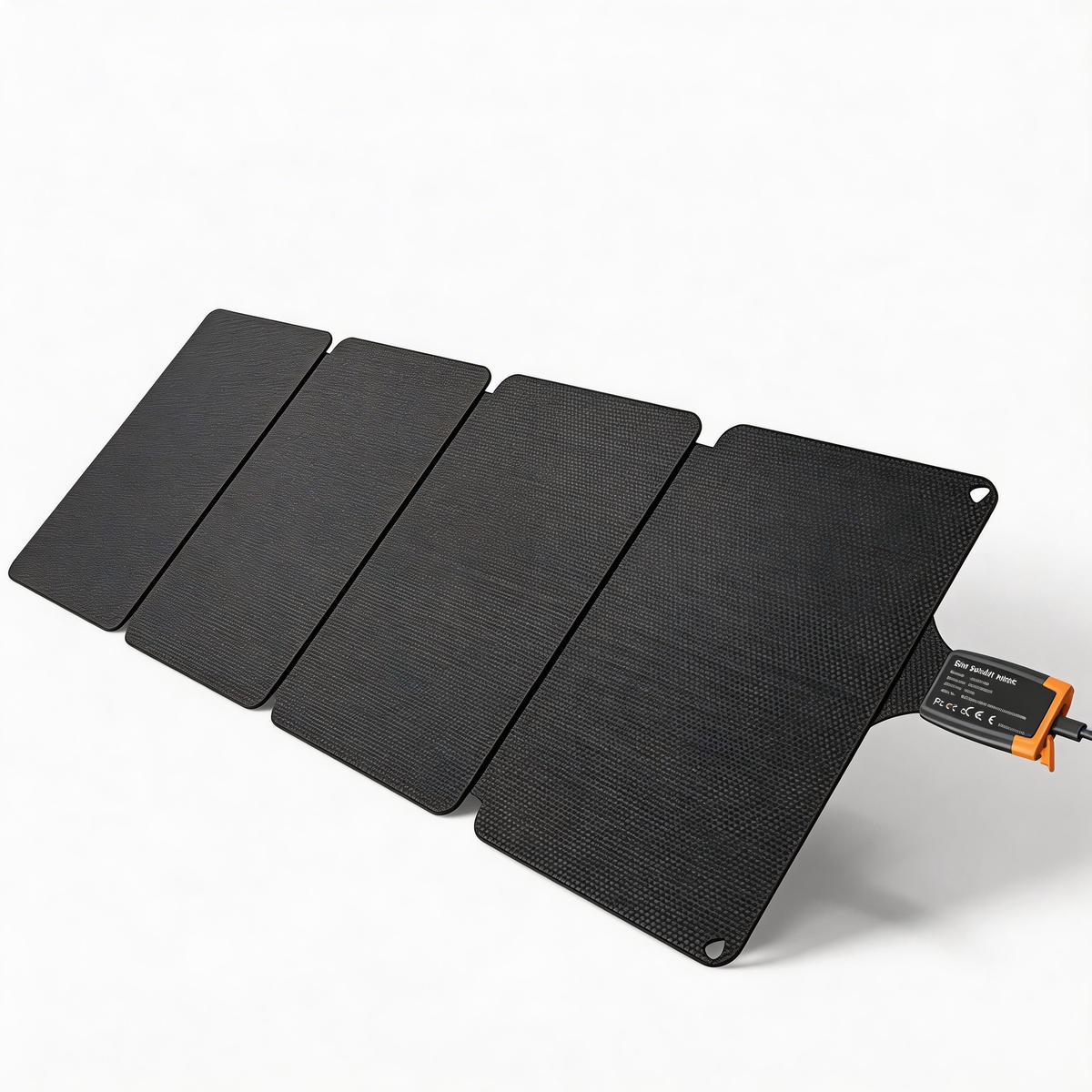
iFORWAY 36W Backpacking Solar Charger
At only 2.35 lb, this foldable USB-C solar charger is built to keep phones, power banks and everyday essentials powered when you're away from an outlet.
If a solar panel could deliver its full 36W continuously, the simple energy calculation would be:
192Wh ÷ 36W ≈ 5.3 peak-output hours
That is a theoretical minimum before charging losses. Real solar input changes with cloud cover, season, latitude, time of day, panel angle, shading, surface temperature, and the receiving device’s input limit. A full recharge can therefore take materially longer than 5.3 hours and may span more than one day in weak conditions.
Do not infer compatibility from wattage alone. Before pairing any panel with a power station, confirm the connector, supported voltage and current range, polarity where applicable, and the power station’s accepted solar input specification.
A five-step runtime planning checklist
- Read the device label. Find running watts and any startup-surge information.
- Add simultaneous loads. Include every light, charger, laptop, or accessory used at the same time.
- Apply a realistic efficiency range. Use 75%–85% only as a rough starting assumption, then refine it with your own observations.
- Keep a reserve. Do not plan to arrive at exactly 0%, especially for travel or emergency communication.
- Test before relying on it. Run the actual setup in a safe environment before a trip or outage.
Frequently asked questions
How long will a 192Wh portable power station last?
Divide 192Wh by the average load in watts, then reduce the result for conversion and system losses. Using a 75%–85% planning assumption, a constant 45W load works out to approximately 3.2–3.6 hours. Actual runtime varies.
Can a 192Wh power station charge a laptop?
It can support compatible laptops when the required voltage, USB-C PD profile, cable, and wattage are within the port limits. The RINECOPO listing specifies USB-C PD up to 100W, but compatibility must be checked for the specific laptop.
Can it run a refrigerator?
That depends on the refrigerator’s running wattage and startup surge. Some compressor-based appliances briefly draw much more power when starting. Do not rely only on the average-wattage label; compare both figures with the power station specifications.
Will a 36W solar panel recharge 192Wh in 5.3 hours?
5.3 hours is the loss-free calculation at a continuous 36W input. Outdoors, panel output is rarely at its nameplate value all day, and charging introduces additional losses. Real recharge time is normally longer, and electrical compatibility must be confirmed first.
Is a higher-watt device always a better use of the battery?
No. Higher wattage consumes the stored energy faster. The best setup is the one that keeps essential loads within the output limit while preserving enough capacity for the time you actually need.
Plan the load, not just the battery size
A 192Wh portable power station is most useful when you match it to measured or published device wattage. Start with the formula, allow for losses, check startup demand, and leave a reserve. That produces a more realistic plan than relying on broad “hours of power” claims.
Review the RINECOPO 192Wh Portable Power Station for the current product details, or compare it with the RINECOPO 36W Portable Solar Panel Charger when planning a compact outdoor charging setup. Always verify electrical compatibility before connecting equipment.
Recent Posts
Blog Tags

RINECOPO 25000mAh Laptop Power Bank 170W,Build-In cables
- 25,000mAh High Capacity
- Up to 170W Total Output
- Dual Built-in 100W USB-C Cables
- Three 100W USB-C Ports
- Charge Up to Five Devices
- Smart HD Digital Display
Best for laptop charging, long flights, business travel, school, remote work, and multi-device users.
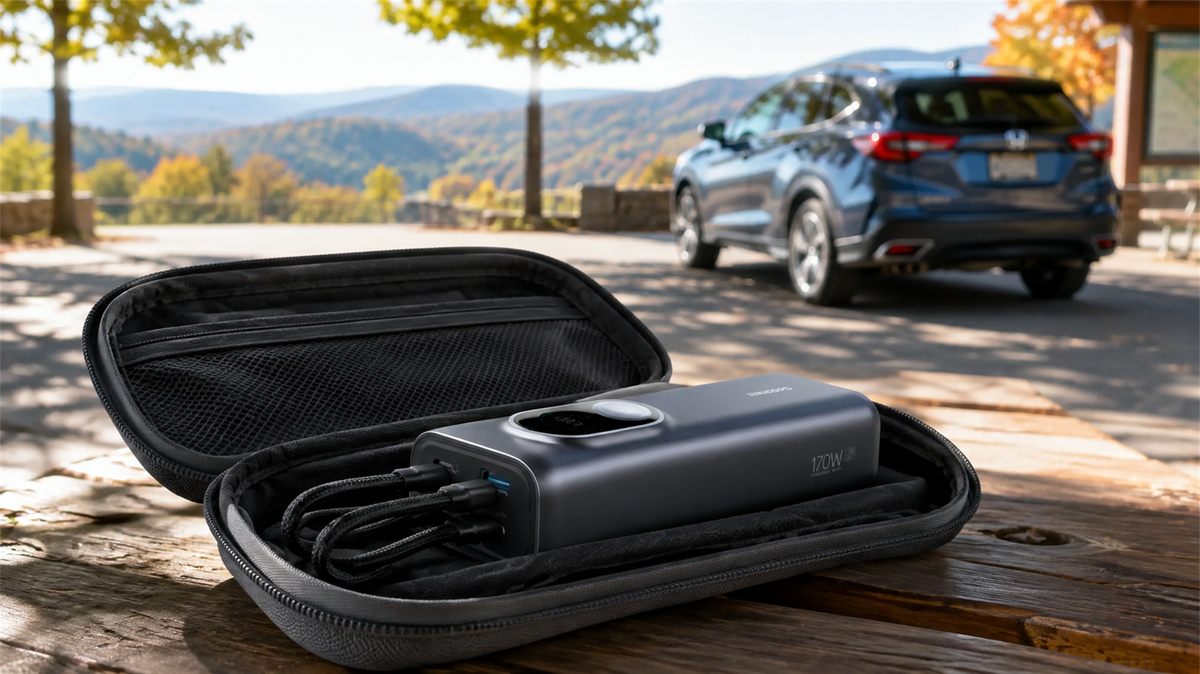
Can You Leave a Power Bank in a Car? Heat, Cold and Safe Storage
Learn why a parked car is a poor place to store a power bank and how to manage heat, cold, cables, inspections and safer road-trip storage.
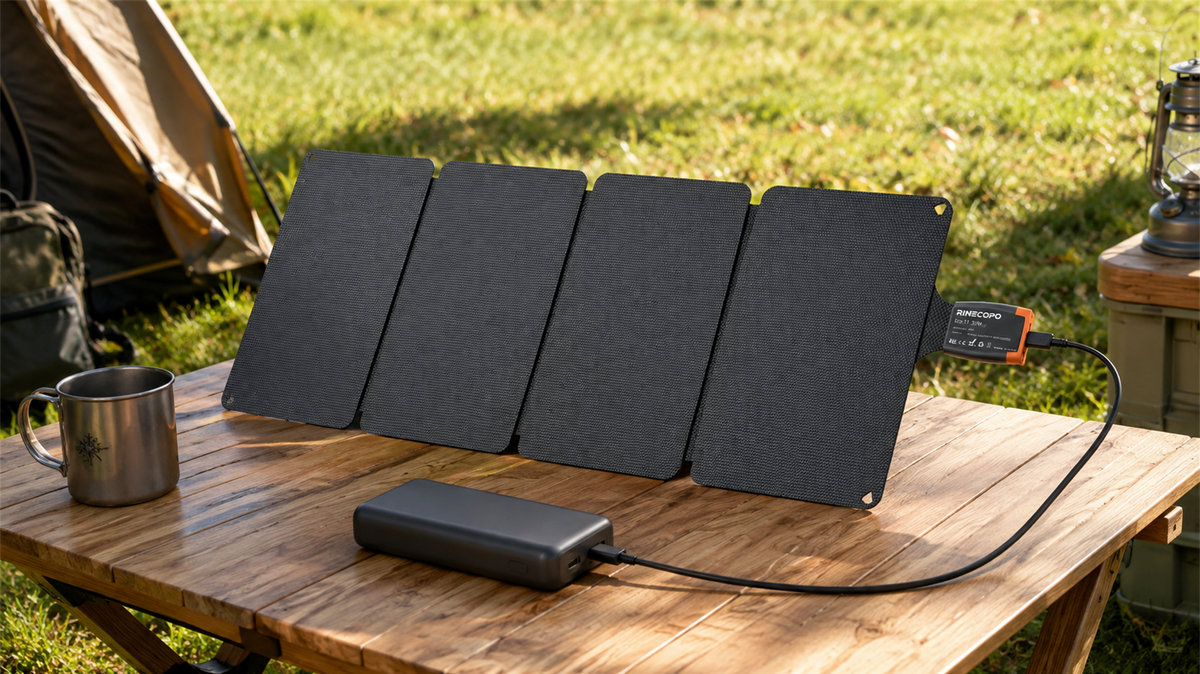
Can a 36W Solar Panel Charge a Power Bank? Compatibility, Cables and Time Estimates
Learn when a 36W solar panel can charge a power bank, how to verify USB-C compatibility, estimate time with watt-hours, and avoid unstable outdoor setups.
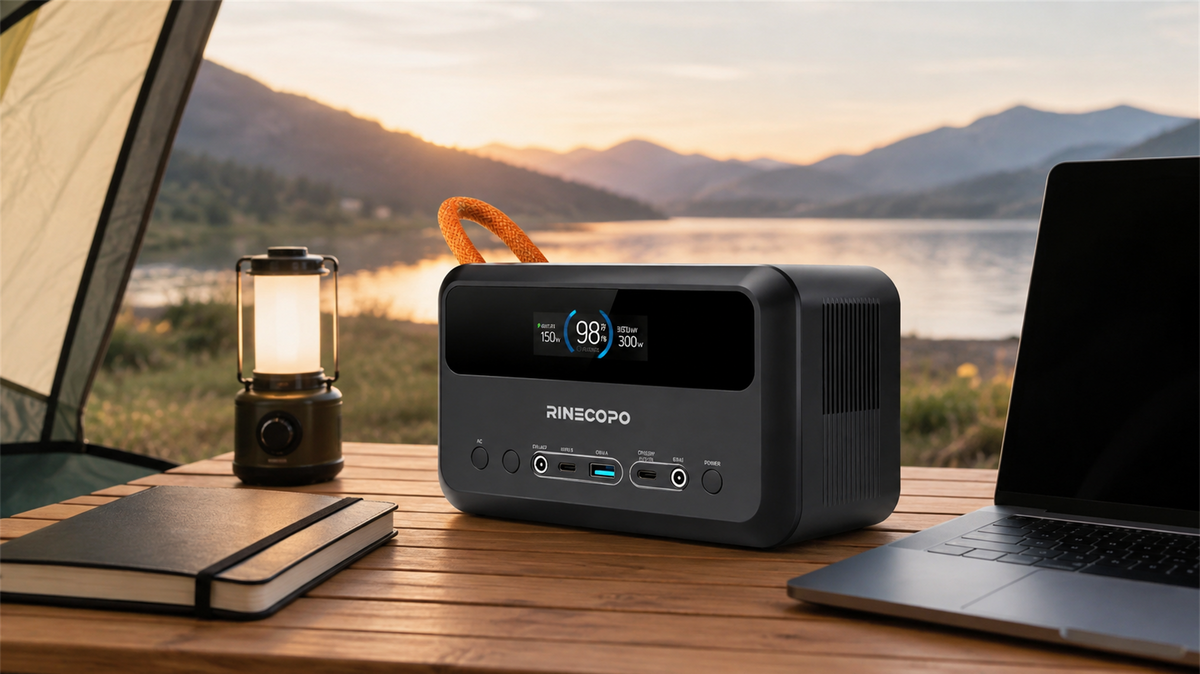
What Can a 192Wh Portable Power Station Run? A Practical Watt-Hour Planning Guide
Estimate how long a 192Wh portable power station may run different loads using a transparent watt-hour formula, realistic efficiency ranges, and practical solar planning guidance.