


Introduction: The Smallest Part That Makes the Biggest Difference
You bought a fast power bank.
Maybe even a 100W model.
But when you plug in your device…
👉 It still charges slowly.
So you start thinking:
👉 “Is my power bank broken?”
👉 Not necessarily.
👉 The real problem is often something much smaller:
👉 Your charging cable.
Quick Answer (Short Version)
👉 Yes—charging cables absolutely affect charging speed.
In fact:
👉 A bad cable can reduce your speed by 50% or more
👉 Why?
Because charging speed depends on three parts working together:
-
Power bank (output)
-
Cable (transfer)
-
Device (input)
👉 If one fails → everything slows down.
How Charging Actually Works (Simple Explanation)
Think of charging like water flow:
-
Power bank = water source
-
Cable = pipe
-
Device = container
👉 Even if you have a powerful source…
👉 A narrow pipe = slow flow
👉 That’s exactly what happens with bad cables.
1. Not All Cables Support Fast Charging
This is the biggest issue.
Many cables:
❌ Only support basic charging
❌ Limit power to 10W–18W
What You Need
For fast charging:
✔ USB-C to USB-C
✔ Power Delivery (PD) support
✔ High wattage rating (60W–100W+)
👉 Without these:
👉 Your power bank cannot deliver full speed.
2. Cable Quality Affects Power Transfer
Cheap cables often:
-
Have thin internal wires
-
Poor insulation
-
Weak connectors
👉 Result:
❌ Energy loss
❌ Heat buildup
❌ Reduced charging speed
👉 High-quality cables:
✔ Deliver stable power
✔ Maintain high efficiency
3. Cable Length Matters More Than You Think
Long cables = more resistance.
👉 More resistance = more power loss
Example:
-
0.5m cable → fast
-
2m cheap cable → slower
👉 Short, high-quality cables perform best.
4. Fast Charging Requires the Right Protocol
Modern fast charging depends on communication.
👉 USB-C PD (Power Delivery)
If your cable doesn’t support it:
👉 Your device falls back to slow charging
👉 Even if your power bank supports 100W.
5. Built-In vs Third-Party Cables
Some power banks include built-in cables.
Advantages
✔ Optimized for performance
✔ No compatibility issues
Risks (cheap models)
❌ Limited power output
❌ Poor durability
👉 Not all built-in cables are equal.
6. The “Weakest Link” Rule
Charging speed is determined by the weakest component.
Example
-
Power bank → 100W
-
Cable → 30W
-
Device → 65W
👉 Final speed = 30W
👉 This is why upgrading only your power bank often doesn’t fix slow charging.
How to Get Faster Charging Instantly
Here’s what actually works:
✔ Use a PD-Certified USB-C Cable
👉 Supports full power output
✔ Match Cable Wattage to Device
👉 Laptop → 100W cable
👉 Phone → 60W cable
✔ Avoid Cheap Generic Cables
👉 They limit performance
✔ Use Shorter Cables
👉 Reduce energy loss
✔ Upgrade Your Power Bank (If Needed)
👉 Higher output = better performance
Best Setup for Maximum Charging Speed
RINECOPO 25000mAh Laptop Power Bank
To eliminate cable-related issues, your setup matters.
Why This Setup Works
✔ Multiple 100W USB-C outputs
✔ Built-in optimized cables
✔ Smart power distribution
✔ High efficiency
👉 Combined with a good cable:
👉 You get maximum real charging speed
Common Mistakes People Make
❌ Using Old Cables
👉 Degraded performance
❌ Mixing USB-A with Fast Charging
👉 Limits speed
❌ Ignoring Cable Specs
👉 Hidden bottleneck
❌ Assuming All USB-C Cables Are the Same
👉 They’re not
FAQ: Charging Cable Questions
Do expensive cables charge faster?
👉 Not always—but high-quality cables maintain full speed.
Can a bad cable damage my device?
👉 Usually no—but it can cause overheating or inefficiency.
Is USB-A slower than USB-C?
👉 Yes—USB-C supports much higher power levels.
Do I need a 100W cable?
👉 Only if your device supports high-wattage charging (like laptops).
Final Thoughts: The Small Upgrade That Changes Everything
Most people focus on the power bank.
But ignore the cable.
👉 That’s why they never get true fast charging.
👉 Final takeaway:
👉 Your charging speed is only as strong as your weakest link.
✔ Good power bank
✔ Good cable
✔ Compatible device
👉 Get all three right →
👉 Charging becomes dramatically faster
👉
-
charging slow
Recent Posts
Blog Tags

RINECOPO 25000mAh Laptop Power Bank 170W,Build-In cables
- 25,000mAh High Capacity
- Up to 170W Total Output
- Dual Built-in 100W USB-C Cables
- Three 100W USB-C Ports
- Charge Up to Five Devices
- Smart HD Digital Display
Best for laptop charging, long flights, business travel, school, remote work, and multi-device users.
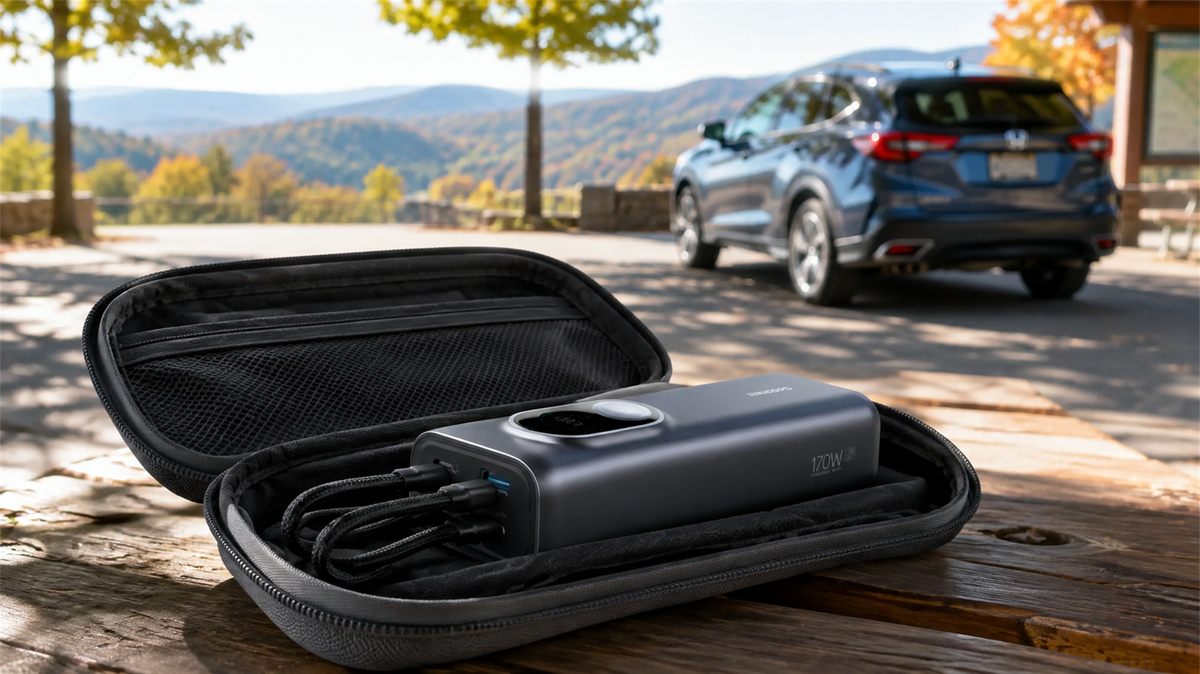
Can You Leave a Power Bank in a Car? Heat, Cold and Safe Storage
Learn why a parked car is a poor place to store a power bank and how to manage heat, cold, cables, inspections and safer road-trip storage.
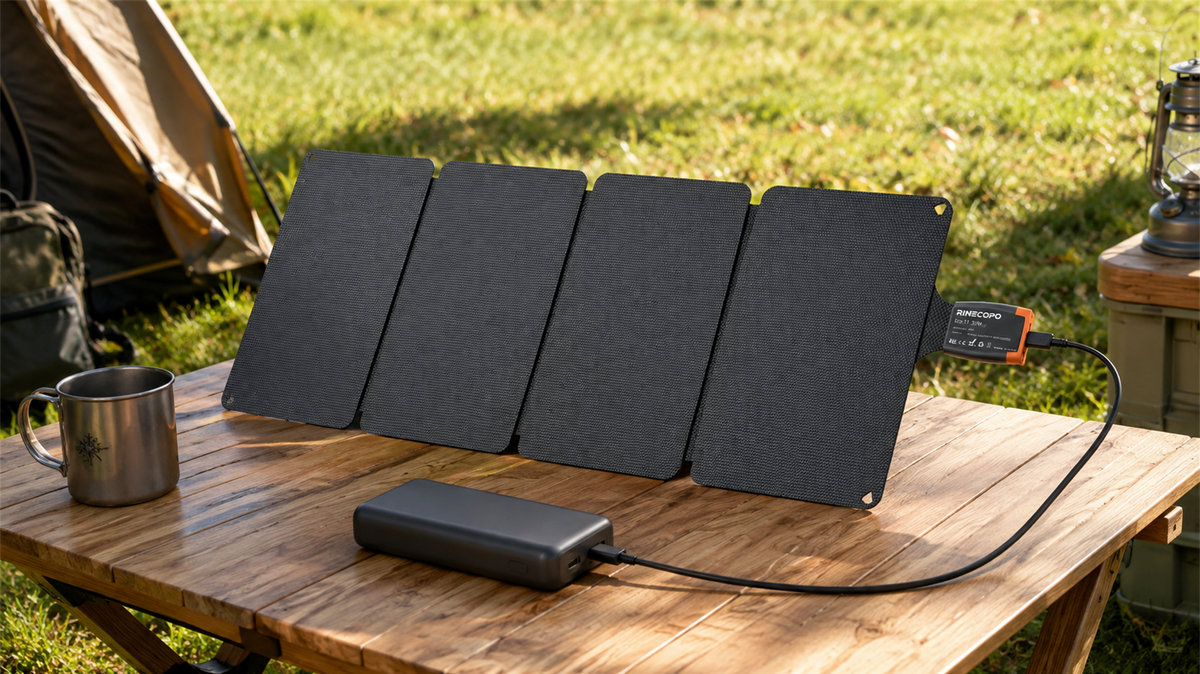
Can a 36W Solar Panel Charge a Power Bank? Compatibility, Cables and Time Estimates
Learn when a 36W solar panel can charge a power bank, how to verify USB-C compatibility, estimate time with watt-hours, and avoid unstable outdoor setups.
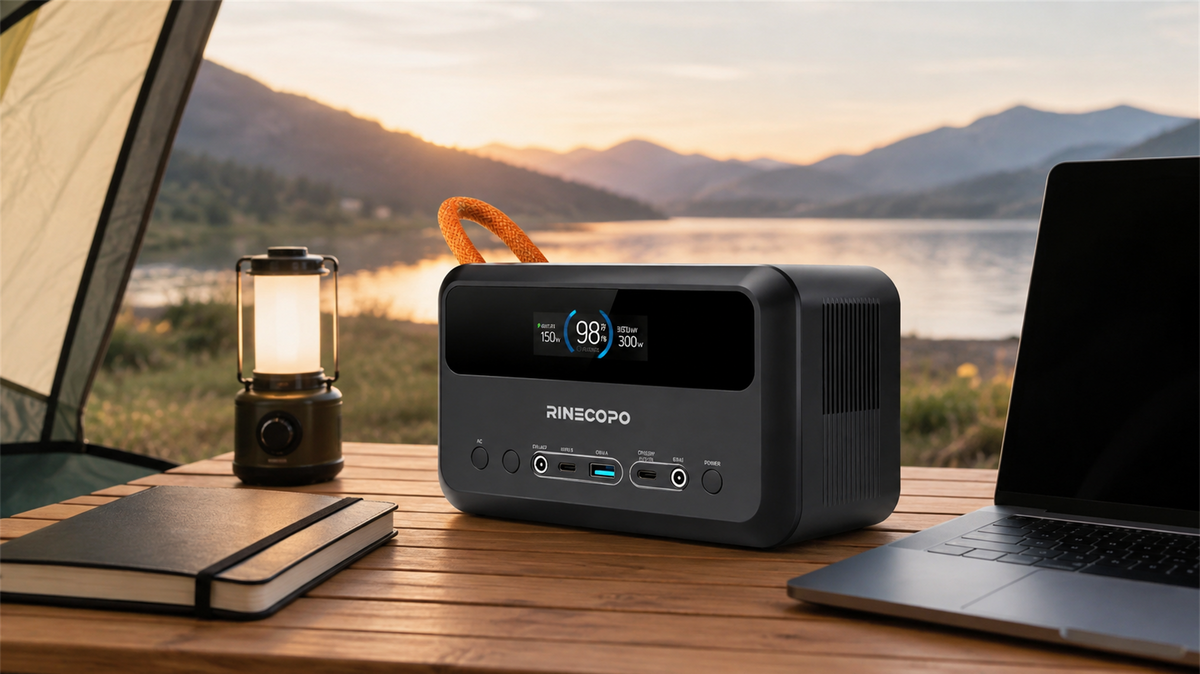
What Can a 192Wh Portable Power Station Run? A Practical Watt-Hour Planning Guide
Estimate how long a 192Wh portable power station may run different loads using a transparent watt-hour formula, realistic efficiency ranges, and practical solar planning guidance.