


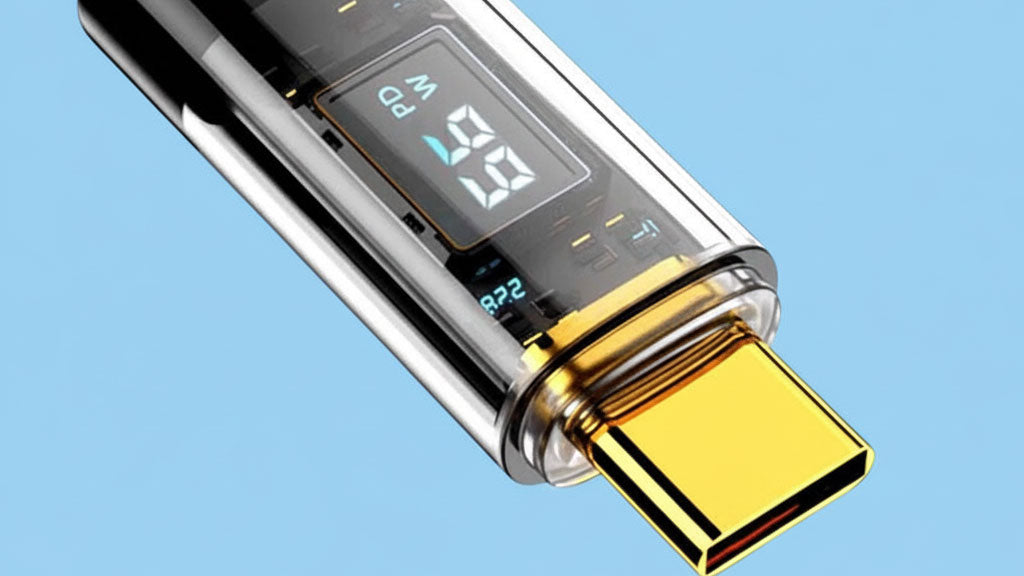
We’ve all experienced the frustration of a failing charging cable — from flickering connections to cracked insulation and even exposed wires that become a safety hazard.
USB cables aren’t cheap, and many only last a few months before breaking down. What’s worse, they contain valuable metals that require significant energy to mine, making frequent replacements both costly and wasteful.
If you’re tired of constantly buying new cords or patching them up with tape, this guide is for you. Here are seven practical tips to extend the life of your USB-C charging cable and keep your devices powered safely.
7 Tips to Prevent Your Charging Cable from Breaking
1. Unplug by Holding the Connector
Never yank the cable from the middle. This puts stress on the cord and the charging port — one of the most common failure points in smartphones and laptops.
Instead, hold the connector and pull gently. A small habit that helps any long-lasting charging cable perform better.
2. Coil Your Cable Loosely
Don’t knot or wrap your cable too tightly. Wrapping it around your hand can damage the internal wiring.
The best method: coil it into a loose circle and secure it with a clip or strap. This prevents kinks and protects your durable USB-C cable from unnecessary strain.
3. Don’t Move Devices While Charging
Using your phone or laptop while charging adds stress to the cable and port.
Whenever possible, unplug before using your device (if the battery allows). This keeps both your device and fast charging cable in better condition.
4. Store in a Protective Case
Throwing your charger into a backpack exposes it to tangles, dirt, and damage.
Whether at home or on the go, store your eco-friendly charging cable in a pouch or case to keep it clean and safe.
5. Keep Away from Moisture
Moisture corrodes internal components and weakens the connectors.
A protective case shields your cable from spills and rain when traveling. At home, keep your USB-C cable away from damp environments or drinks.
6. Reinforce Early
Cable sleeves, anti-bend protectors, or eco-friendly wraps can all extend durability.
Pro tip: reinforce your charging cable before it frays. Protecting early ensures a long-lasting charging cable that saves you money over time.
7. Invest in a High-Quality Cable
Even with the best habits, a cheap cable won’t last. The smartest option is to start with a durable, high-quality cable.
For example, the RINECOPO USB-C to USB-C Cable (6′7″, 100W, Upgraded Braided Design) is built with reinforced materials and eco-friendly construction. It’s designed for fast charging, maximum durability, and sustainability — so you can stop wasting money on constant replacements.
✅ Bottom Line
Good habits + a durable USB-C cable = a much longer lifespan.
With RINECOPO, you get a long-lasting charging cable that’s not only more reliable but also more eco-friendly.
Recent Posts
Blog Tags

RINECOPO 25000mAh Laptop Power Bank 170W,Build-In cables
- 25,000mAh High Capacity
- Up to 170W Total Output
- Dual Built-in 100W USB-C Cables
- Three 100W USB-C Ports
- Charge Up to Five Devices
- Smart HD Digital Display
Best for laptop charging, long flights, business travel, school, remote work, and multi-device users.
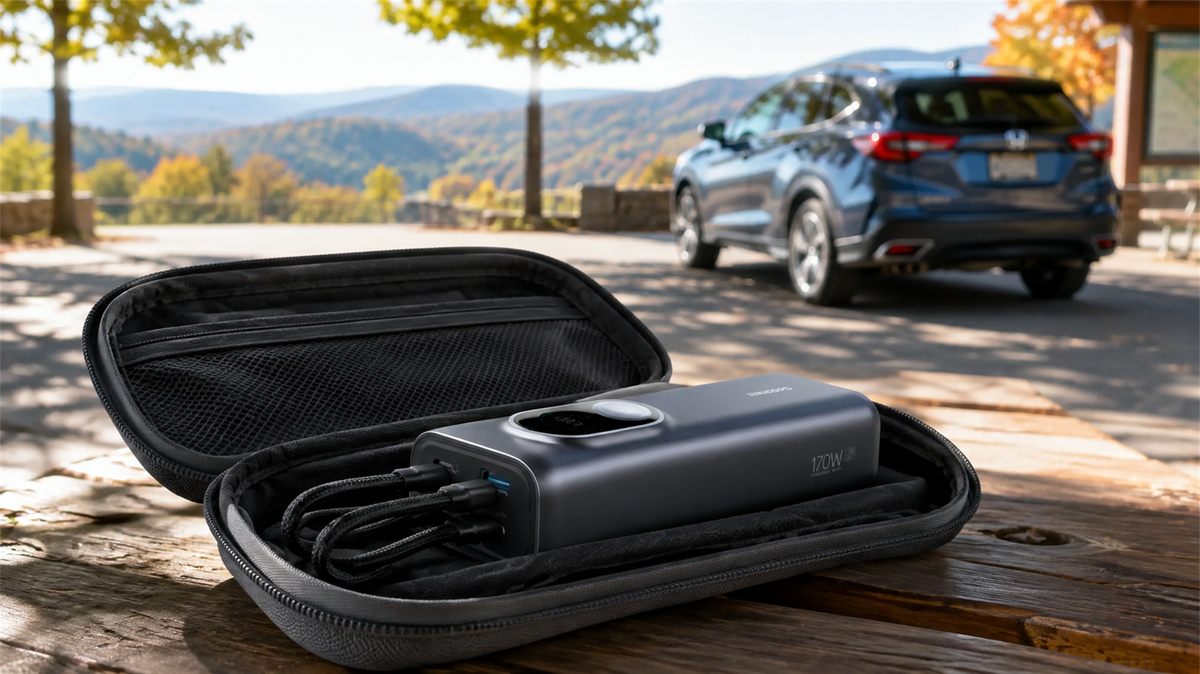
Can You Leave a Power Bank in a Car? Heat, Cold and Safe Storage
Learn why a parked car is a poor place to store a power bank and how to manage heat, cold, cables, inspections and safer road-trip storage.
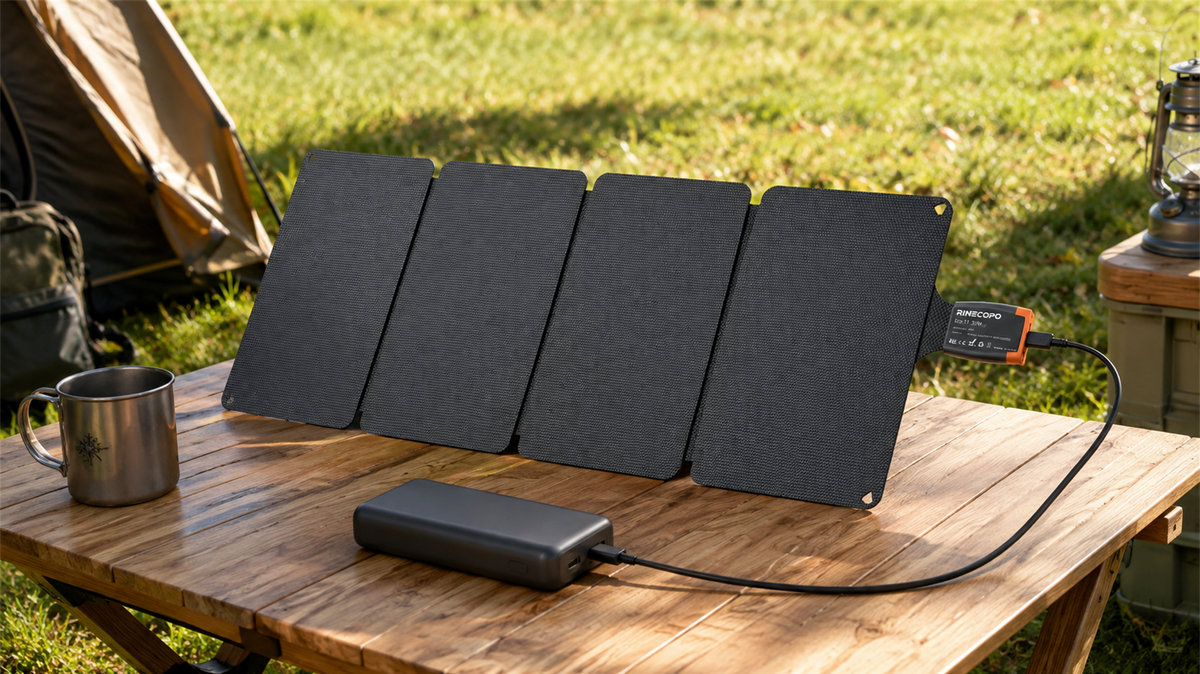
Can a 36W Solar Panel Charge a Power Bank? Compatibility, Cables and Time Estimates
Learn when a 36W solar panel can charge a power bank, how to verify USB-C compatibility, estimate time with watt-hours, and avoid unstable outdoor setups.
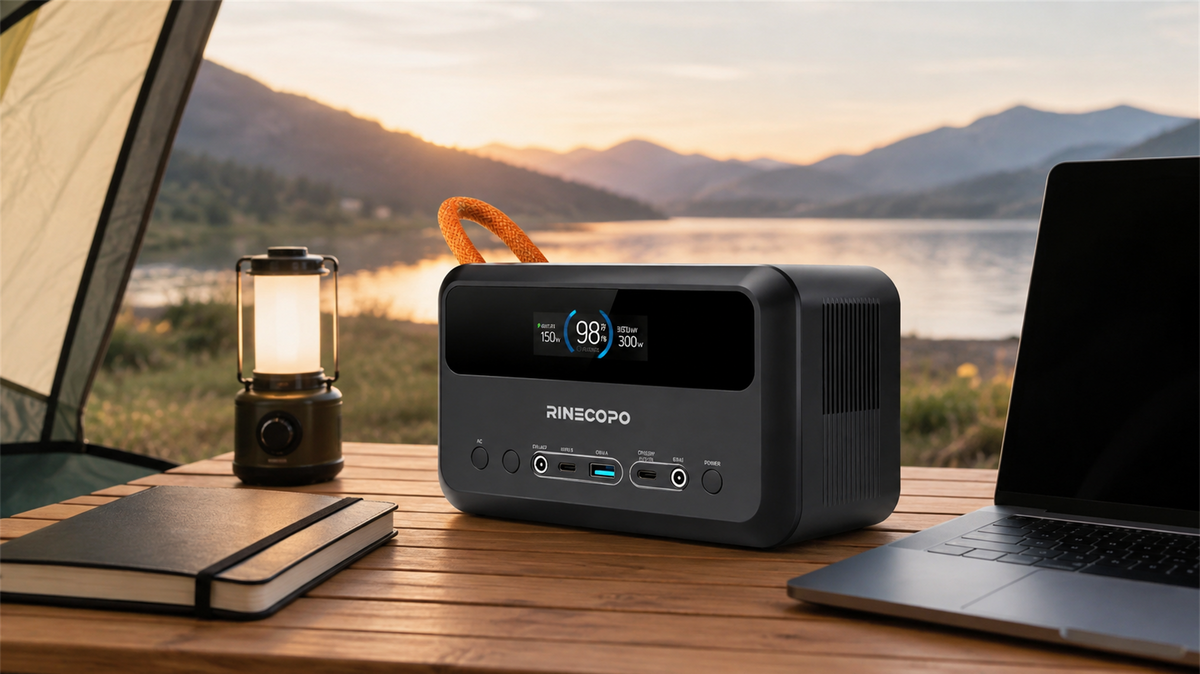
What Can a 192Wh Portable Power Station Run? A Practical Watt-Hour Planning Guide
Estimate how long a 192Wh portable power station may run different loads using a transparent watt-hour formula, realistic efficiency ranges, and practical solar planning guidance.