


Introduction: When “Fast Charging” Doesn’t Feel Fast
You plug in your phone.
The screen says “fast charging.”
But…
👉 The battery barely moves
👉 Charging feels slow
👉 Time keeps passing
So you start wondering:
👉 Why is my power bank charging so slowly?
The truth is:
👉 Most “slow charging” problems are NOT random.
They come from very specific causes—and once you fix them, the difference is huge.
Quick Answer (Short Version)
👉 Your power bank is charging slowly because of:
-
Low output power (W)
-
Poor-quality cables
-
Device limitations
-
Temperature issues
-
Battery degradation
👇 Let’s break them down one by one.
1. Your Power Bank Output Is Too Low
This is the #1 reason.
Many power banks only output:
👉 10W–18W
That’s fine for basic charging—but not for modern devices.
What You Actually Need
| Device | Recommended Power |
|---|---|
| Phone | 20W+ |
| Tablet | 30W+ |
| Laptop | 65W–100W |
👉 If your power bank can’t deliver enough wattage:
❌ Charging will feel slow
❌ Battery may not increase at all
2. Your Charging Cable Is the Bottleneck
This is the most overlooked factor.
👉 Even if your power bank supports fast charging…
👉 A bad cable will ruin everything.
Common Problems
-
Cheap cables limit current
-
Non-PD cables block fast charging
-
Old cables degrade over time
👉 This is called the “bottleneck effect”
👉 Your speed is only as fast as the weakest component.
3. Your Device Limits Charging Speed
Your phone or laptop also controls charging.
👉 If your device only supports 18W:
👉 A 100W power bank won’t make it faster
Example
-
iPhone → capped charging speed
-
Some Android phones → require specific protocols
👉 Compatibility matters.
4. Temperature Is Slowing Everything Down
Heat is a silent killer of charging speed.
When devices get too hot:
👉 Charging automatically slows down
Why This Happens
-
Safety protection kicks in
-
Prevents battery damage
Common Situations
-
Charging while gaming
-
Hot environments
-
Poor airflow
👉 Result:
❌ Slower charging
❌ Longer charging time
5. You’re Charging Multiple Devices
When you charge multiple devices:
👉 Power is shared
Example
-
100W power bank → 2 devices
👉 Each may get only 50W
👉 This reduces speed for each device.
6. Your Power Bank Is Running Low
As battery level drops:
👉 Output may become less stable
👉 Especially on lower-quality models
👉 Result:
❌ Slower charging near empty
7. Battery Wear and Age
Over time:
👉 Power banks degrade
Effects
-
Reduced efficiency
-
Slower output
-
Less usable capacity
👉 Old power banks = slower performance
How to Fix Slow Power Bank Charging
Here’s what actually works:
✔ Use a High-Wattage Power Bank
👉 65W–100W minimum
✔ Upgrade Your Cable
👉 Use USB-C PD certified cables
✔ Avoid Heat
👉 Charge in cool environments
✔ Charge One Device When Possible
👉 Maximize speed
✔ Choose Reliable Brands
👉 Better power management
Best Solution: Upgrade to a High-Performance Power Bank
RINECOPO 25000mAh Laptop Power Bank
If slow charging is your problem, this is the level of upgrade you need.
Why It Fixes Slow Charging
✔ Up to 170W total output
✔ Multiple 100W USB-C ports
✔ Smart power distribution
✔ High-efficiency design
👉 Unlike basic power banks:
✔ Delivers real fast charging
✔ Supports laptops and phones
✔ Maintains stable output
👉 Result:
👉 Faster charging, no bottlenecks
FAQ: Slow Charging Problems
Why does my power bank say “fast charging” but it’s slow?
👉 Because one component (cable/device/output) is limiting speed.
Does cable quality really matter?
👉 Yes—often more than the power bank itself.
Can a power bank be too powerful?
👉 No—devices only draw what they need.
When should I replace my power bank?
👉 If it’s old, overheating, or consistently slow.
Final Thoughts: It’s Not Just the Power Bank
If your charging feels slow, don’t blame just one thing.
👉 It’s a system:
-
Power bank
-
Cable
-
Device
-
Environment
👉 Fix the weak link → speed improves instantly
👉 Final takeaway:
👉 Fast charging is not about capacity.
It’s about power, quality, and compatibility.
Recent Posts
Blog Tags

RINECOPO 25000mAh Laptop Power Bank 170W,Build-In cables
- 25,000mAh High Capacity
- Up to 170W Total Output
- Dual Built-in 100W USB-C Cables
- Three 100W USB-C Ports
- Charge Up to Five Devices
- Smart HD Digital Display
Best for laptop charging, long flights, business travel, school, remote work, and multi-device users.
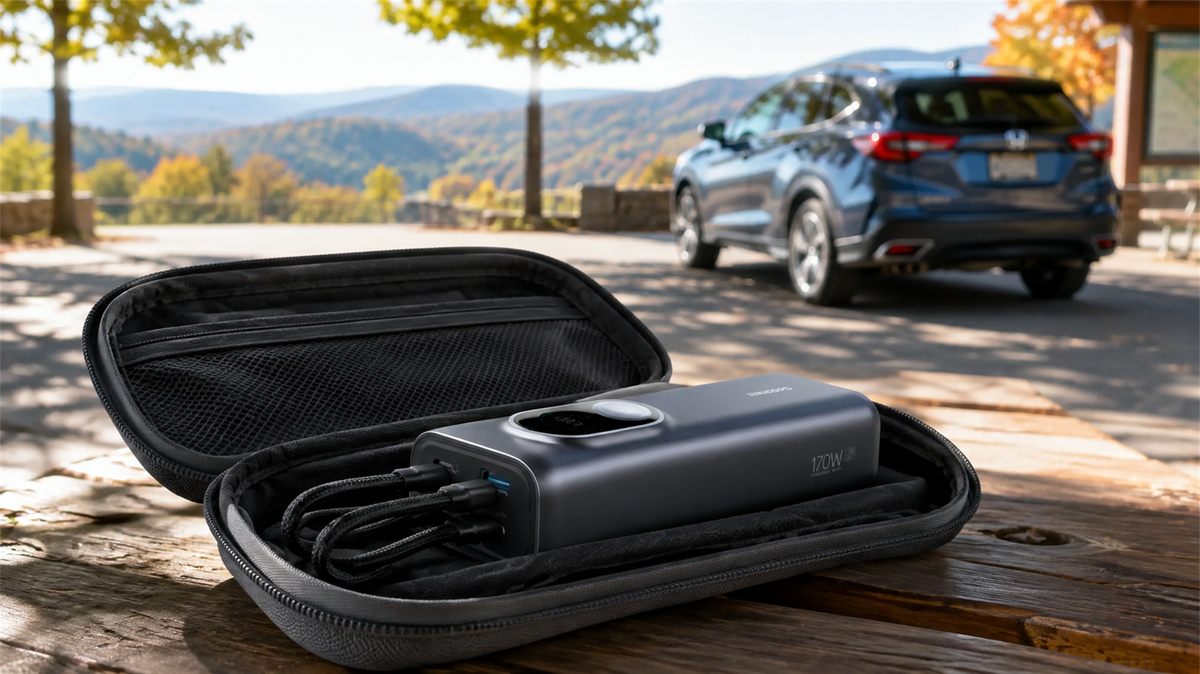
Can You Leave a Power Bank in a Car? Heat, Cold and Safe Storage
Learn why a parked car is a poor place to store a power bank and how to manage heat, cold, cables, inspections and safer road-trip storage.
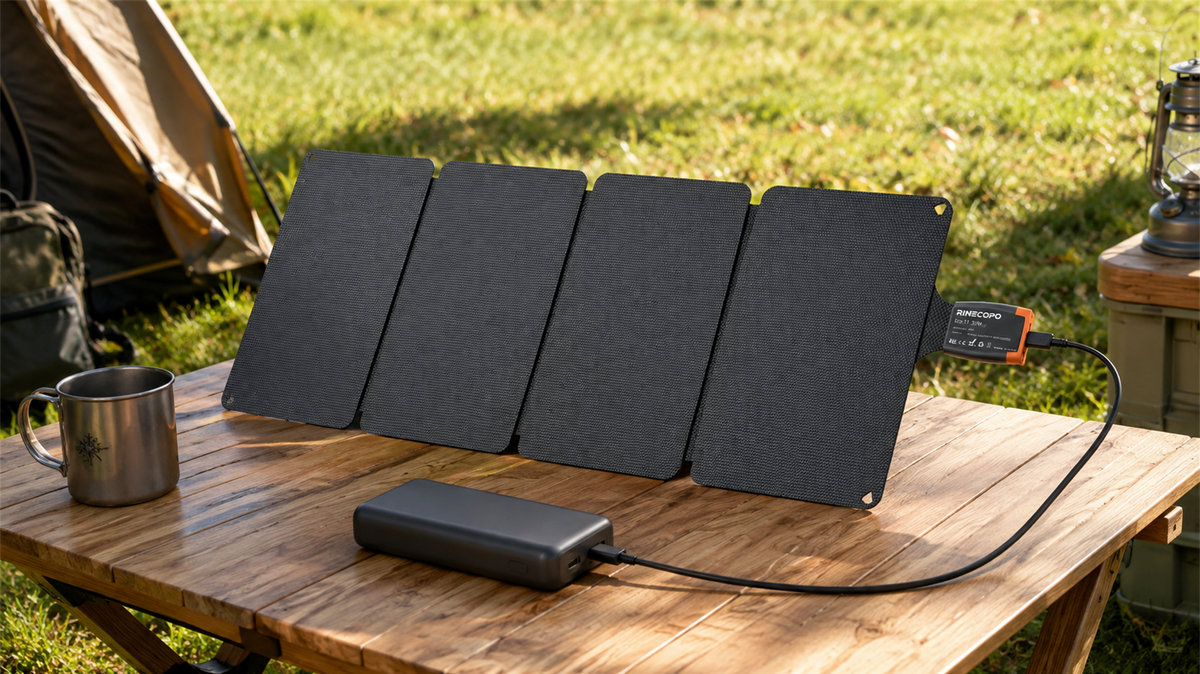
Can a 36W Solar Panel Charge a Power Bank? Compatibility, Cables and Time Estimates
Learn when a 36W solar panel can charge a power bank, how to verify USB-C compatibility, estimate time with watt-hours, and avoid unstable outdoor setups.
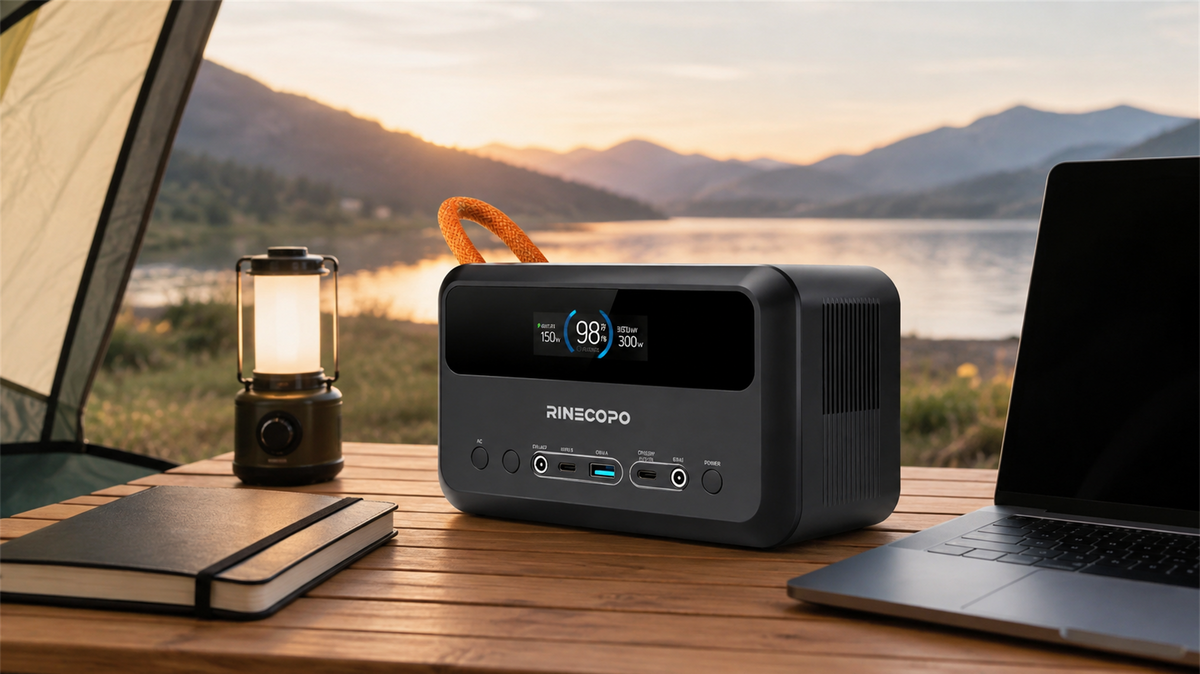
What Can a 192Wh Portable Power Station Run? A Practical Watt-Hour Planning Guide
Estimate how long a 192Wh portable power station may run different loads using a transparent watt-hour formula, realistic efficiency ranges, and practical solar planning guidance.