


Introduction: The Charging Habit Everyone Questions
Every smartphone user has done this:
👉 Plug in your phone
👉 Wait until it hits 100%
👉 Feel “safe” for the whole day
But then you hear:
👉 “Don’t charge to 100%”
👉 “Stop at 80%”
So what’s the truth?
👉 Should you charge your phone to 100% or not?
The honest answer:
👉 Yes, you can — but you shouldn’t do it all the time.
Is It Safe to Charge Your Phone to 100%?
Let’s clear the biggest myth first.
👉 Charging to 100% is NOT dangerous
Modern smartphones:
-
Use lithium-ion batteries
-
Have built-in protection systems
-
Automatically stop charging at full capacity
👉 So you won’t “overcharge” your phone
But Here’s the Catch
👉 Keeping your battery at 100% too often can reduce lifespan
Why?
Because lithium-ion batteries:
-
Experience higher stress at full charge
-
Degrade faster when held at 100% for long periods
Why 100% Isn’t Ideal (The Science Made Simple)
Think of your battery like a balloon:
-
0% → empty
-
50% → relaxed
-
100% → stretched tight
👉 The more time it spends “fully stretched”
👉 The faster it wears out
What Happens Inside the Battery
When charging from 80% → 100%:
-
Voltage increases
-
Heat builds up
-
Chemical stress accelerates
👉 This speeds up battery aging
The Ideal Charging Range (What Experts Recommend)
👉 The “sweet spot” is:
20% – 80%
Why?
-
Less voltage stress
-
Lower heat
-
Longer battery lifespan
👉 Most experts agree avoiding extremes helps preserve battery health
So… Should You Stop Charging at 80%?
👉 Not always
Here’s the real-world answer:
✔ Charge to 100% when you need it
-
Travel
-
Long days
-
No access to power
👉 Occasional full charge is completely fine
❌ Avoid 100% every day
-
Overnight charging
-
Keeping phone plugged in for hours
👉 This slowly wears down your battery over time
What About Overnight Charging?
Good news:
👉 Your phone is smart
-
Stops charging at 100%
-
Uses trickle charging to maintain level
👉 So it’s not dangerous
BUT:
👉 Staying at 100% for hours still adds stress
Smarter Charging (What Modern Phones Do)
Many devices now include:
Adaptive / Optimized Charging
-
Charges quickly to ~80%
-
Slows down or pauses
-
Finishes before you wake up
👉 This reduces time spent at 100%
5 Best Charging Habits (RINECOPO Recommended)
1. Stay Between 20%–80%
👉 Best for long-term battery health
2. Avoid Heat While Charging
👉 Heat = biggest battery killer
3. Don’t Let It Drop to 0%
👉 Deep discharge damages battery cycles
4. Use High-Quality Chargers
👉 Stable power = safer battery
5. Don’t Stress About 100% Occasionally
👉 Balance > perfection
Why Your Charger Matters More Than You Think
Here’s what most people ignore:
👉 Charging quality affects battery health
Cheap chargers:
❌ Unstable voltage
❌ Overheating
❌ Slower charging
Why RINECOPO Charging Solutions Are Better
✔ Stable high-speed output
✔ Smart temperature control
✔ Multi-device charging support
✔ Advanced safety protection
👉 Translation:
Faster charging + less battery stress
Real-Life Scenarios
Daily Use
👉 Keep between 30%–80%
Travel / Long Days
👉 Charge to 100% for maximum usage
Overnight Charging
👉 Use optimized charging features
Final Verdict
👉 Should you charge your phone to 100%?
Yes — but not all the time.
The Simple Rule
👉 Daily use → stay below 80%
👉 Heavy use → go to 100%
👉 The goal isn’t:
“Always charge to 100%”
👉 It’s:
“Charge smart to extend battery life”
FAQ (SEO Long-Tail Section)
Is it bad to charge your phone to 100% every day?
Not immediately, but doing it constantly can shorten battery lifespan over time.
What is the best percentage to charge your phone?
Between 20% and 80% for optimal battery health.
Can I leave my phone charging overnight?
Yes, but it’s better to use optimized charging to reduce battery stress.
Should I let my phone battery go to 0%?
No. Deep discharge can damage lithium-ion batteries.
Does fast charging damage battery?
Not if you use high-quality chargers with proper power management.
Bottom Line
👉 Don’t obsess over 100%
👉 Focus on charging habits + charger quality
Recent Posts
Blog Tags

RINECOPO 25000mAh Laptop Power Bank 170W,Build-In cables
- 25,000mAh High Capacity
- Up to 170W Total Output
- Dual Built-in 100W USB-C Cables
- Three 100W USB-C Ports
- Charge Up to Five Devices
- Smart HD Digital Display
Best for laptop charging, long flights, business travel, school, remote work, and multi-device users.
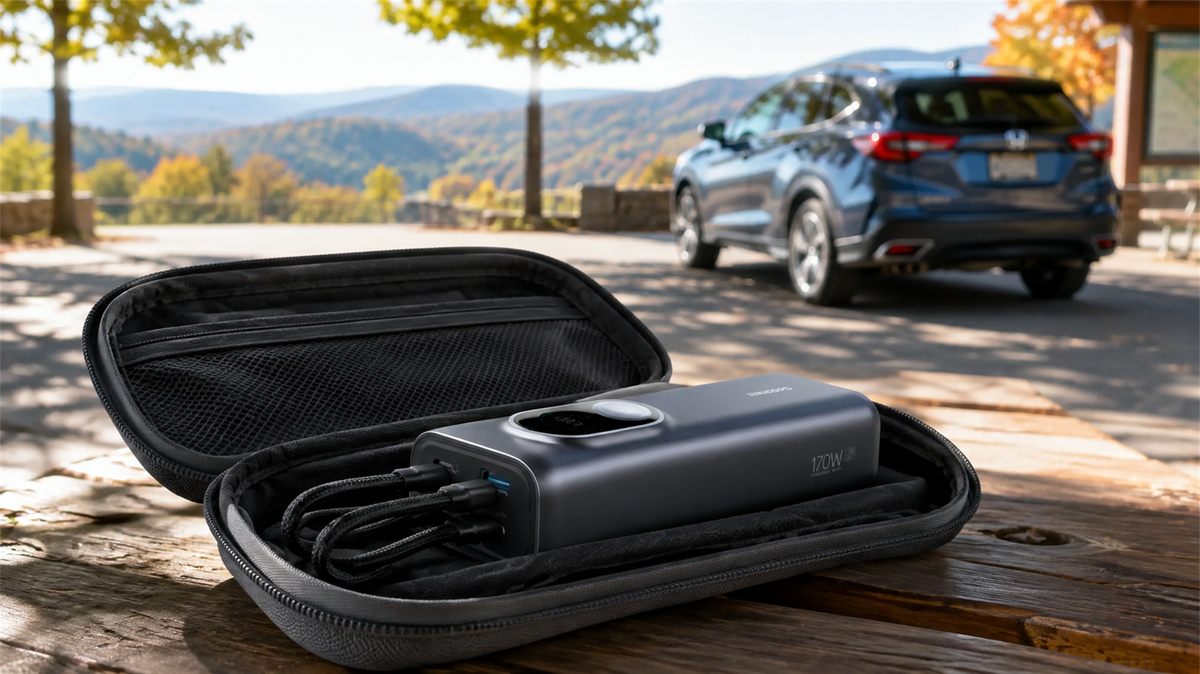
Can You Leave a Power Bank in a Car? Heat, Cold and Safe Storage
Learn why a parked car is a poor place to store a power bank and how to manage heat, cold, cables, inspections and safer road-trip storage.
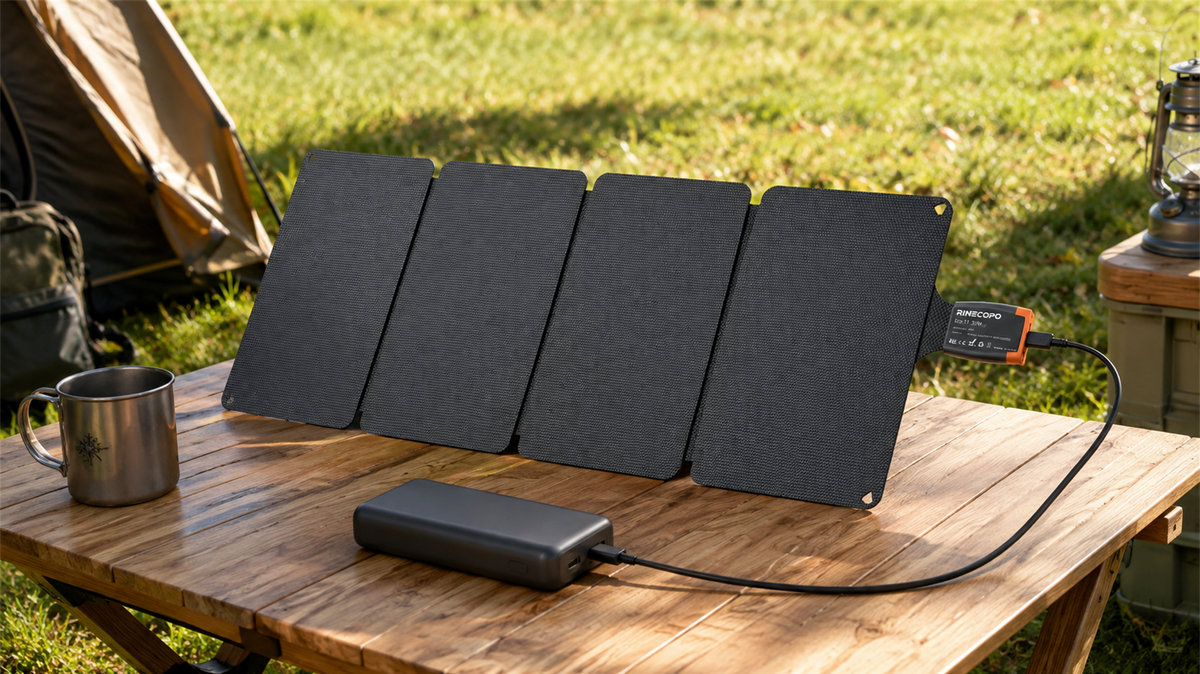
Can a 36W Solar Panel Charge a Power Bank? Compatibility, Cables and Time Estimates
Learn when a 36W solar panel can charge a power bank, how to verify USB-C compatibility, estimate time with watt-hours, and avoid unstable outdoor setups.
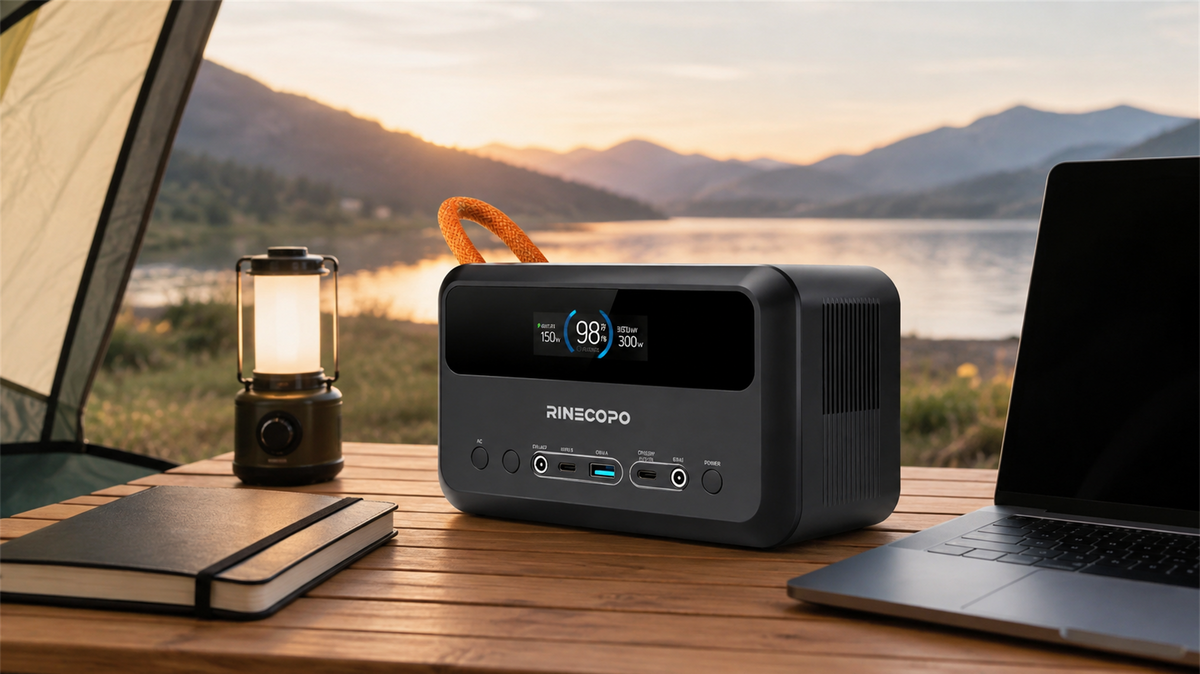
What Can a 192Wh Portable Power Station Run? A Practical Watt-Hour Planning Guide
Estimate how long a 192Wh portable power station may run different loads using a transparent watt-hour formula, realistic efficiency ranges, and practical solar planning guidance.