


Quick Answer (Featured Snippet Block)
👉 Charging to 80% is better for long-term battery health.
👉 Charging to 100% is fine for daily use when you need full capacity.
👉 Best practice:
-
Daily use → 20%–80% range
-
Travel / long days → charge to 100% when needed
👉 This balances:
✔ Battery lifespan
✔ Practical usability
Introduction: The Battery Rule Everyone Talks About
You’ve probably heard this:
👉 “Don’t charge to 100%”
👉 “Stay between 20% and 80%”
And now you’re wondering:
👉 Is that actually true?
👉 The answer is:
👉 Yes—but context matters.
Why 80% Charging Is Better for Battery Health
Lithium-ion batteries don’t like extremes.
What Happens at High Charge Levels
When your battery reaches 100%:
-
Voltage increases
-
Internal stress rises
-
Chemical wear accelerates
👉 Over time:
👉 This reduces battery lifespan.
Why 80% Is Ideal
At around 80%:
✔ Lower voltage
✔ Less stress
✔ Slower degradation
👉 This is the “comfort zone” for batteries.
Why Charging to 100% Is Still OK
Here’s what most people misunderstand:
👉 Charging to 100% is NOT dangerous.
👉 It only becomes a concern when:
-
Done constantly
-
Combined with heat
-
Held at 100% for long periods
Real-Life Example
-
Traveling → 100% makes sense
-
Long work day → 100% is useful
👉 So the rule is:
👉 Use 100% when you need it—don’t avoid it completely
The Real Problem: Heat, Not Just 100%
If there’s one thing worse than charging to 100%…
👉 It’s heat.
High Temperature Causes
-
Fast charging
-
Gaming while charging
-
Hot environments
👉 Heat accelerates battery aging much faster than charge level.
👉 So:
👉 80% vs 100% matters—but temperature matters more
What About Power Banks?
The same principle applies.
For Power Banks:
✔ Avoid keeping at 100% for long periods
✔ Store at ~50–60% if unused
✔ Avoid extreme heat
👉 This helps extend lifespan.
Best Charging Strategy (Simple Rules)
Follow this:
✔ Daily Use
👉 Keep between 20%–80%
✔ When You Need Full Power
👉 Charge to 100%
✔ Avoid Heat
👉 Always prioritize temperature control
✔ Don’t Overthink It
👉 Modern batteries are smart
👉 Balance is key.
Best Power Bank for Battery Health
RINECOPO 25000mAh Laptop Power Bank
If you care about battery health, your charging equipment matters too.
Why It’s Better for Battery Health
✔ Stable power output
✔ Smart power management
✔ Efficient energy control
✔ Reduced heat generation
👉 Compared to cheap chargers:
✔ Less stress on battery
✔ More consistent charging
✔ Better long-term performance
👉 Result:
👉 Healthier batteries over time
Common Myths About Charging
❌ “Charging to 100% ruins your battery instantly”
👉 False—damage happens gradually
❌ “You must always stay below 80%”
👉 Unrealistic for daily life
❌ “Fast charging destroys batteries”
👉 Only if heat is uncontrolled
FAQ: Battery Charging Habits
Is charging to 100% bad?
👉 Not bad—but avoid doing it constantly.
Is 80% really better?
👉 Yes—for long-term battery health.
Should I stop charging overnight?
👉 Modern devices manage this well—but avoid heat buildup.
Does this apply to all devices?
👉 Yes—phones, laptops, power banks.
Final Thoughts: Use Smart, Not Extreme Rules
So, should you charge to 80% or 100%?
👉 Final answer:
👉 80% for longevity
👉 100% for convenience
👉 The smartest approach:
👉 Use 80% as a habit—but don’t avoid 100% when you need it
✔ Balance
✔ Practical use
✔ Good habits
👉 That’s how you maximize both:
👉 battery life + daily usability
Recent Posts
Blog Tags

RINECOPO 25000mAh Laptop Power Bank 170W,Build-In cables
- 25,000mAh High Capacity
- Up to 170W Total Output
- Dual Built-in 100W USB-C Cables
- Three 100W USB-C Ports
- Charge Up to Five Devices
- Smart HD Digital Display
Best for laptop charging, long flights, business travel, school, remote work, and multi-device users.
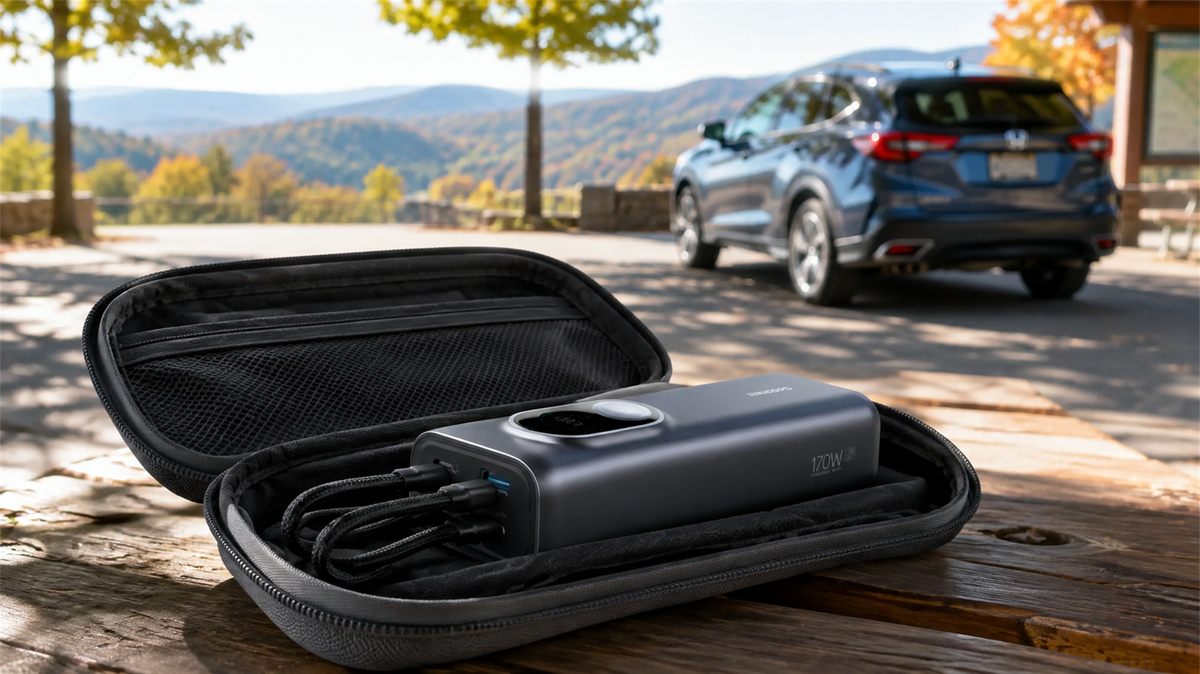
Can You Leave a Power Bank in a Car? Heat, Cold and Safe Storage
Learn why a parked car is a poor place to store a power bank and how to manage heat, cold, cables, inspections and safer road-trip storage.
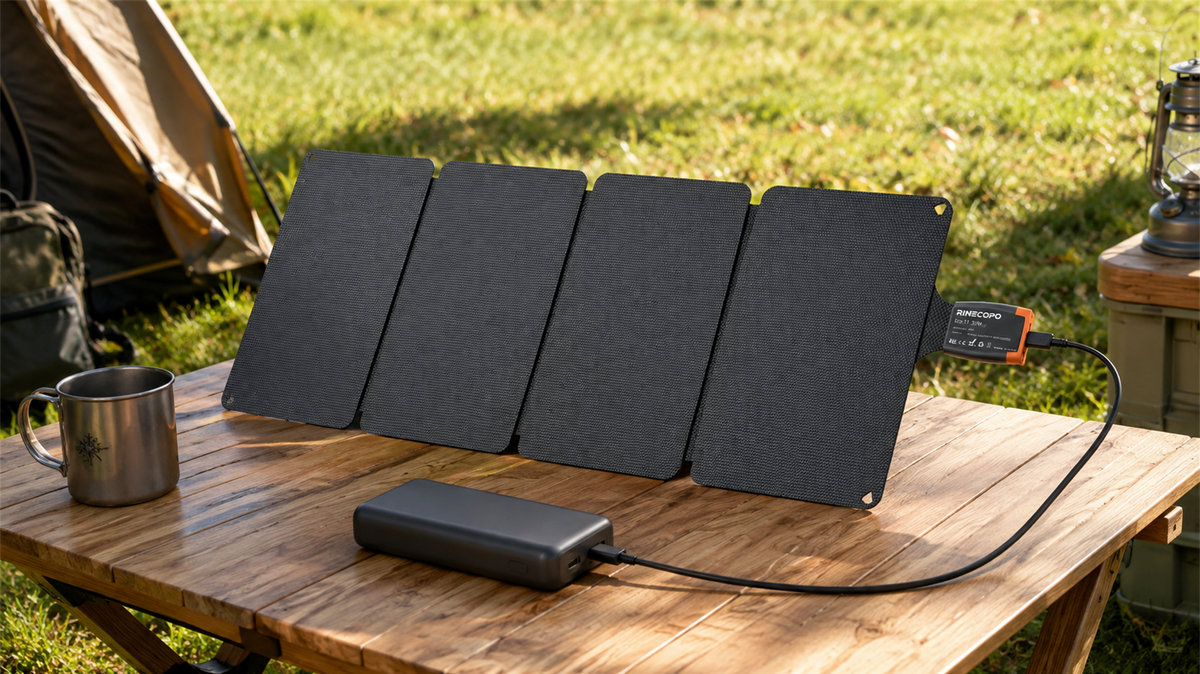
Can a 36W Solar Panel Charge a Power Bank? Compatibility, Cables and Time Estimates
Learn when a 36W solar panel can charge a power bank, how to verify USB-C compatibility, estimate time with watt-hours, and avoid unstable outdoor setups.
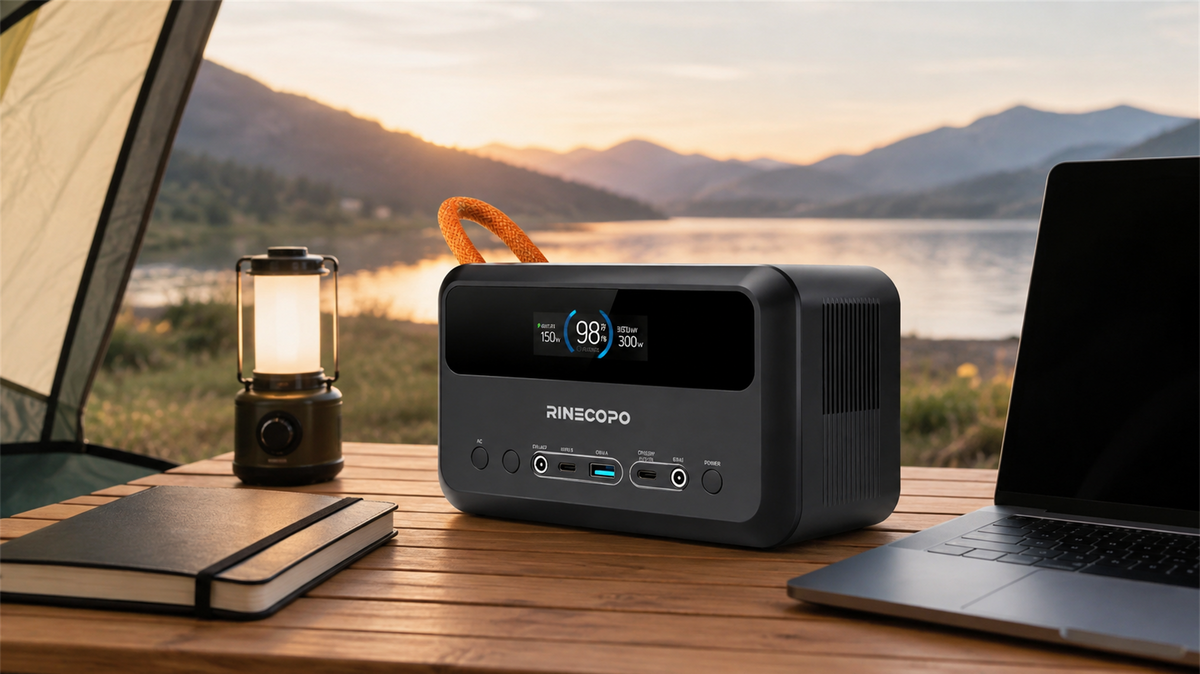
What Can a 192Wh Portable Power Station Run? A Practical Watt-Hour Planning Guide
Estimate how long a 192Wh portable power station may run different loads using a transparent watt-hour formula, realistic efficiency ranges, and practical solar planning guidance.