


Introduction: When Charging Just… Stops
You plug in your phone or laptop.
Everything starts normally.
Then suddenly…
👉 Charging stops
👉 Battery freezes at 70%–80%
👉 It disconnects randomly
Now you’re wondering:
👉 Why does my power bank stop charging?
👉 The good news:
👉 This issue is common—and often fixable.
Quick Answer (Short Version)
👉 Your power bank stops charging because of:
-
Battery protection systems
-
Cable or connection issues
-
Device charging limits
-
Overheating protection
-
Power instability
👇 Let’s break it down clearly.
1. Battery Protection System (Very Common)
Modern devices protect battery health.
What Happens
👉 Charging slows or stops around:
👉 70%–80%
Why?
-
Reduces battery stress
-
Prevents overheating
-
Extends battery lifespan
👉 This is NOT a problem.
👉 It’s intentional behavior.
2. Loose or Faulty Cable Connection
Charging can stop if the connection is unstable.
Causes
-
Loose cable
-
Worn connector
-
Dirty port
👉 Result:
❌ Charging disconnects randomly
✔ Fix
👉 Try another cable
👉 Clean ports
3. Power Bank Output Drops Under Load
When power demand changes:
👉 Output may become unstable (especially on low-quality models)
Example
-
Charging laptop → high load
-
Power bank struggles → stops output
👉 Result:
❌ Charging stops
✔ Fix
👉 Use a higher-quality, high-output power bank
4. Overheating Protection Kicks In
If temperature rises:
👉 Power bank shuts down output temporarily
Signs
-
Device warm or hot
-
Charging resumes after cooling
✔ Fix
👉 Let it cool down
👉 Avoid hot environments
5. Your Device Controls Charging Behavior
Phones and laptops manage their own charging.
Examples
-
Optimized charging (iOS / Android)
-
Battery health features
👉 Result:
👉 Charging may pause intentionally
👉 This is normal.
6. Power Bank Battery Is Too Low
When battery level drops:
👉 Output may stop to protect itself
✔ Fix
👉 Recharge the power bank
7. Incompatible Charging Protocol
If devices don’t “communicate” properly:
👉 Charging may fail or stop
Example
-
Device needs PD
-
Power bank doesn’t support it
✔ Fix
👉 Use compatible devices and cables
8. Internal Hardware Issue
If none of the above apply:
👉 There may be internal damage
Signs
-
Stops charging frequently
-
Doesn’t recover
-
Works inconsistently
👉 This usually means replacement is needed.
How to Fix a Power Bank That Stops Charging
Try this checklist:
✔ Replace the cable
✔ Try a different port
✔ Restart your device
✔ Let it cool down
✔ Recharge the power bank
👉 These fix most issues instantly.
Best Reliable Solution (Avoid the Problem Entirely)
RINECOPO 25000mAh Laptop Power Bank
If you’re dealing with random charging stops, stability matters.
Why It Fixes This Problem
✔ Up to 170W stable output
✔ Smart power management
✔ High compatibility
✔ Multiple reliable ports
👉 Compared to cheap models:
✔ No random disconnects
✔ Stable charging
✔ Better device compatibility
👉 Result:
👉 Consistent, uninterrupted charging
Common Mistakes to Avoid
❌ Ignoring battery protection behavior
👉 Not a defect
❌ Using worn-out cables
👉 Causes disconnections
❌ Overloading the power bank
👉 Leads to shutdown
❌ Using low-quality power banks
👉 Unstable output
FAQ: Charging Stops Issues
Why does charging stop at 80%?
👉 Battery protection feature—normal behavior.
Why does it disconnect randomly?
👉 Usually cable or port issue.
Can overheating stop charging?
👉 Yes—protection system will pause output.
Should I replace my power bank?
👉 If issues persist after troubleshooting, yes.
Final Thoughts: Not Always a Problem
If your power bank stops charging:
👉 Don’t assume it’s broken.
👉 Often it’s:
-
Protection systems
-
Connection issues
-
Device behavior
👉 Final takeaway:
👉 Stable charging comes from quality hardware and proper setup.
✔ Use reliable products
✔ Maintain good connections
✔ Understand how devices behave
👉 Do that—and charging becomes smooth and predictable.
Recent Posts
Blog Tags

RINECOPO 25000mAh Laptop Power Bank 170W,Build-In cables
- 25,000mAh High Capacity
- Up to 170W Total Output
- Dual Built-in 100W USB-C Cables
- Three 100W USB-C Ports
- Charge Up to Five Devices
- Smart HD Digital Display
Best for laptop charging, long flights, business travel, school, remote work, and multi-device users.
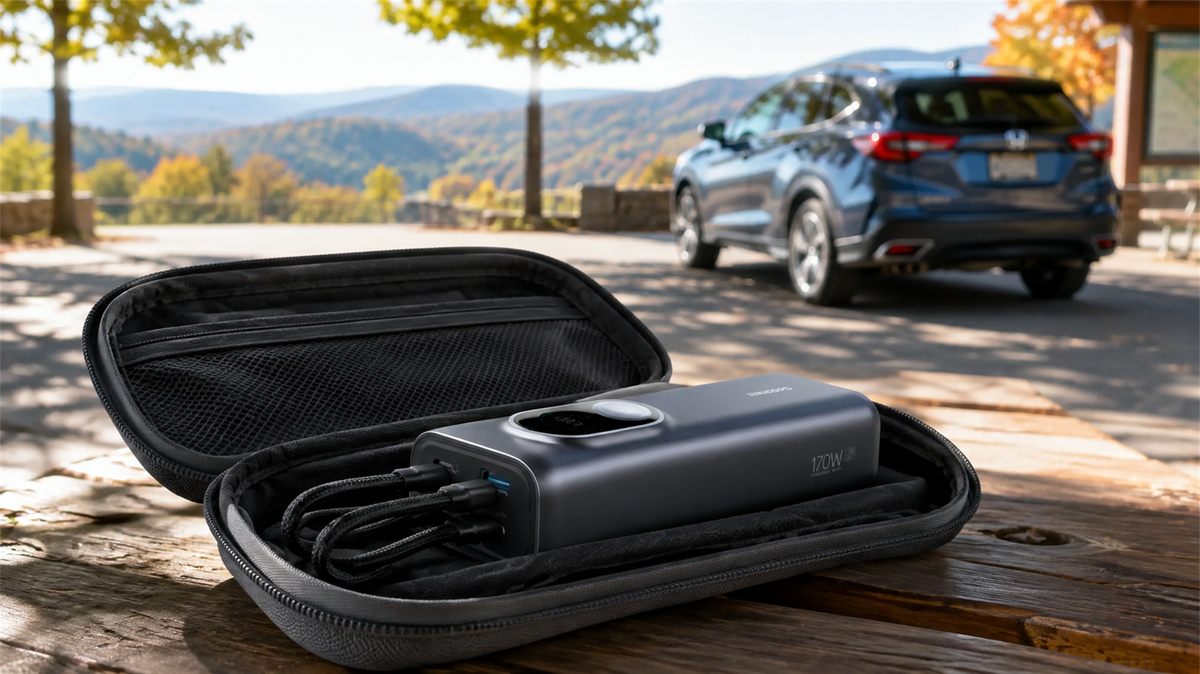
Can You Leave a Power Bank in a Car? Heat, Cold and Safe Storage
Learn why a parked car is a poor place to store a power bank and how to manage heat, cold, cables, inspections and safer road-trip storage.
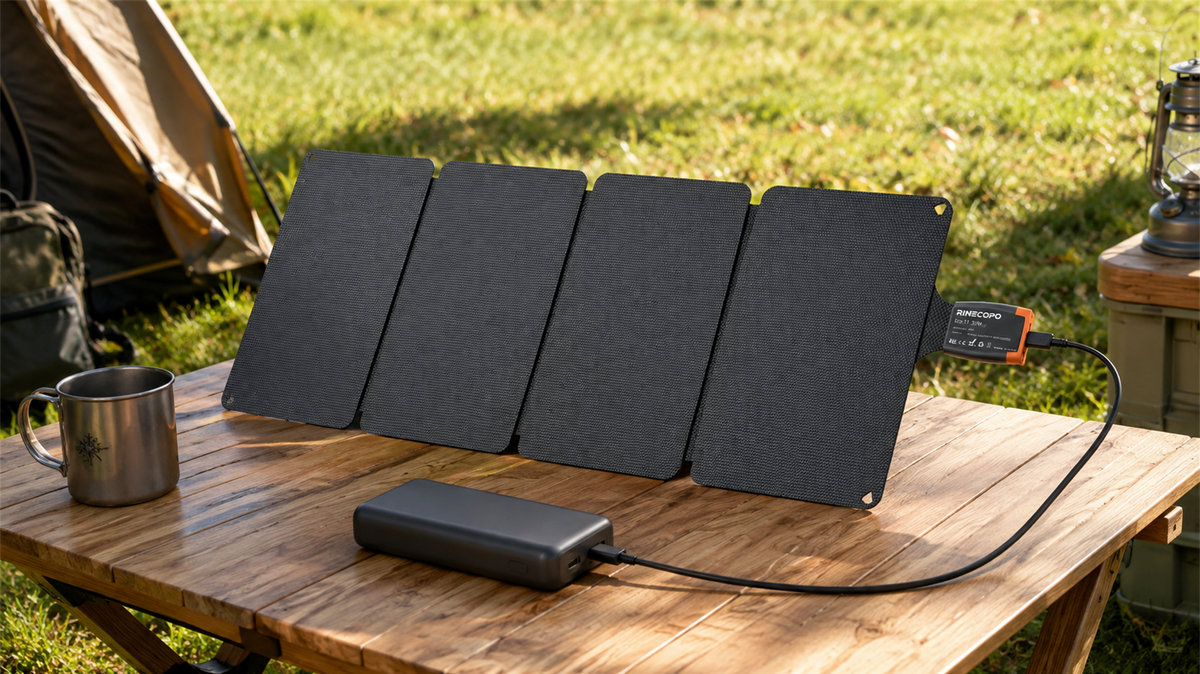
Can a 36W Solar Panel Charge a Power Bank? Compatibility, Cables and Time Estimates
Learn when a 36W solar panel can charge a power bank, how to verify USB-C compatibility, estimate time with watt-hours, and avoid unstable outdoor setups.
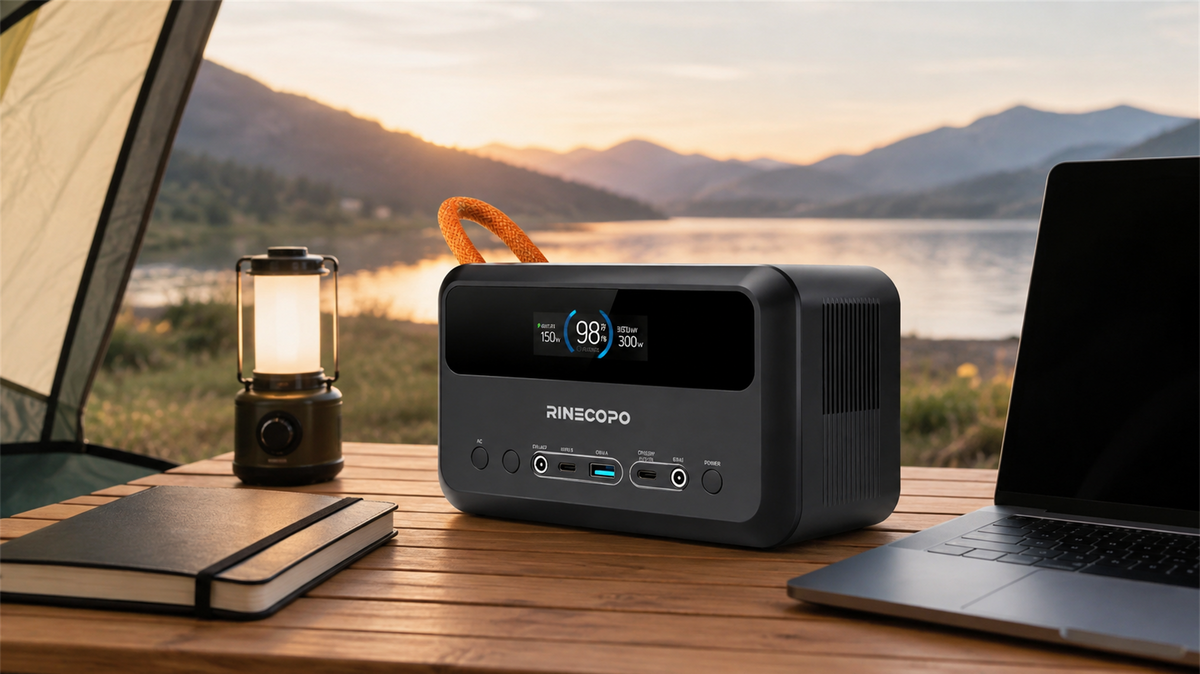
What Can a 192Wh Portable Power Station Run? A Practical Watt-Hour Planning Guide
Estimate how long a 192Wh portable power station may run different loads using a transparent watt-hour formula, realistic efficiency ranges, and practical solar planning guidance.